


Building a high-growth Shopify store requires moving beyond basic contact forms. Today, the most effective tools have evolved into AI-driven growth engines that use intelligent popups and behavioral data to capture zero-party insights automatically.
If you're still relying on static forms instead of one of the best Shopify popup apps, you're likely working twice as hard for half the results.
We’ve cut through the noise to rank the 9 best solutions based on genuine ROI, integration depth, and AI sophistication.
Read on to discover the tools that will actually move the needle for your store.
TL;DR — The Best Shopify Form Builder Apps at a Glance
1. Alia Popups — Best AI-Powered Form & Popup Builder for Shopify
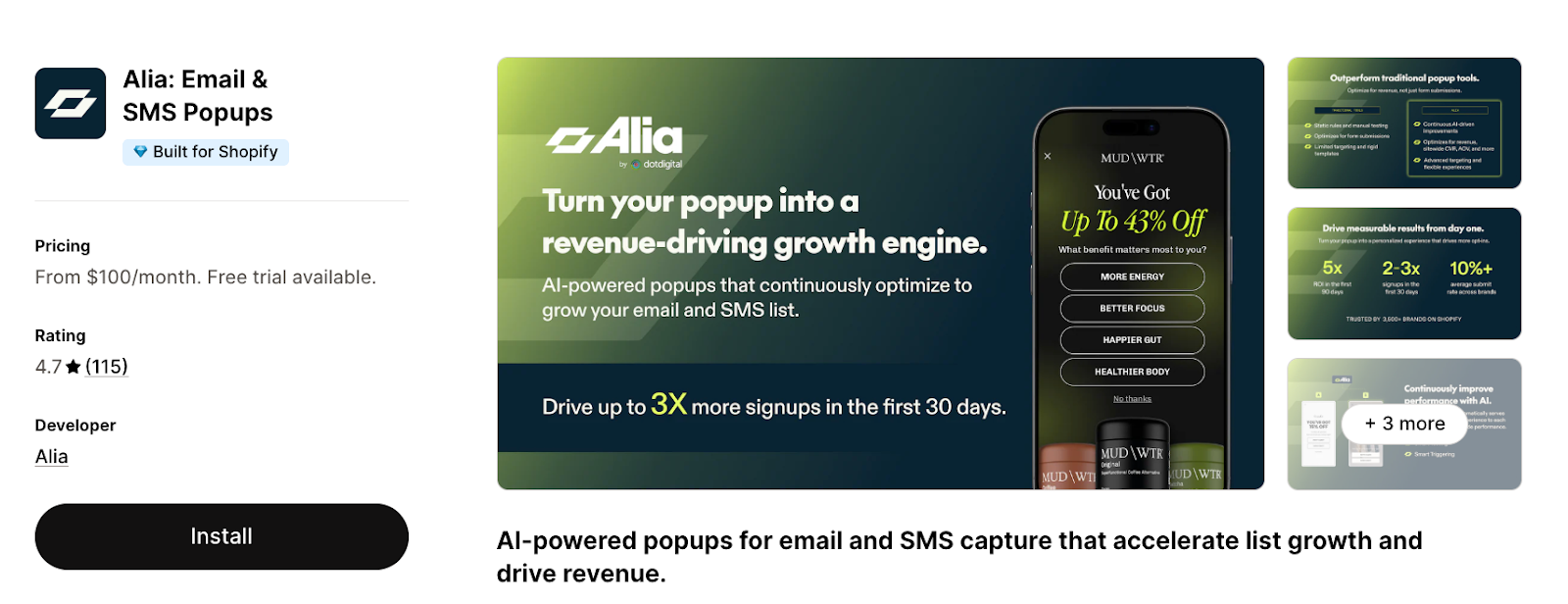
Shopify Rating: 4.7/5 (100+ reviews)
Alia moves away from the manual upkeep of traditional form builders by using an AI-native optimization engine. While traditional builders wait for a user to find a "Contact Us" page, Alia uses Behavioral Smart Triggering to deploy intelligent popups exactly when a visitor is most likely to convert.
Key Features:
- Autonomous A/B Testing: The AI generates variants, measures performance, and swaps in winners automatically. It pulls from a database of 500M+ popup views to keep your conversion rates climbing.
- Behavioral Smart Triggering: Alia analyzes real-time actions—like exit intent or idle scrolling—to show the right message at the exact moment a visitor is likely to convert.
- Revenue-First Analytics: Most tools only track signups, but Alia optimizes for the metrics that actually pay the bills: AOV, site conversion rates, and welcome flow revenue.
- Zero-Party Data & Syncing: Knowing your customer is everything. Alia builds mini-quizzes to learn preferences (e.g., "Are you shopping for a gift or yourself?") and syncs that data instantly to Klaviyo, Attentive, or Postscript to power hyper-personalized automated flows.
- White-Glove Service: Every plan includes expert onboarding. The Fully Managed tier even gives you a dedicated CSM and a personal Slack channel for hands-off growth.
Best for: High-growth brands that want an autonomous system to scale lists and revenue 24/7.
Pricing
Alia uses flat monthly pricing with no auto-upgrades. Cancel anytime. Price starts from $100/mo for 20K visitors to $400/mo for 300k visitors.
Nakie saw 600% improvement in email capture and $5.8M in sales after switching to Alia
PEAK EMAIL OPT-IN RATE (UP FROM 5-6%)
IMPROVEMENT IN EMAIL CAPTURE
IN ATTRIBUTED SALES

"We always cared about the customer journey, and Alia's the first tool that actually let us design one that makes sense. And once we did, everything clicked — sign-up rates, conversions, the whole funnel started significantly performing. Since switching to Alia, our lowest sign-up rate has been 28%, and we've even reached 35% in some months."
Install Alia
Launch first popup in 5 minutes
10x your list

Why Alia Is #1 for Shopify List Growth
Alia moves away from manual guesswork. Most tools track signups; Alia optimizes for Revenue per Visitor (RPV) and Average Order Value (AOV).
It does this with an AI engine that learns from every visitor, optimizes around the clock, and measures success by revenue — not just signups.
2. Powerful Contact Form Builder — Best for Custom Multi-Purpose Forms
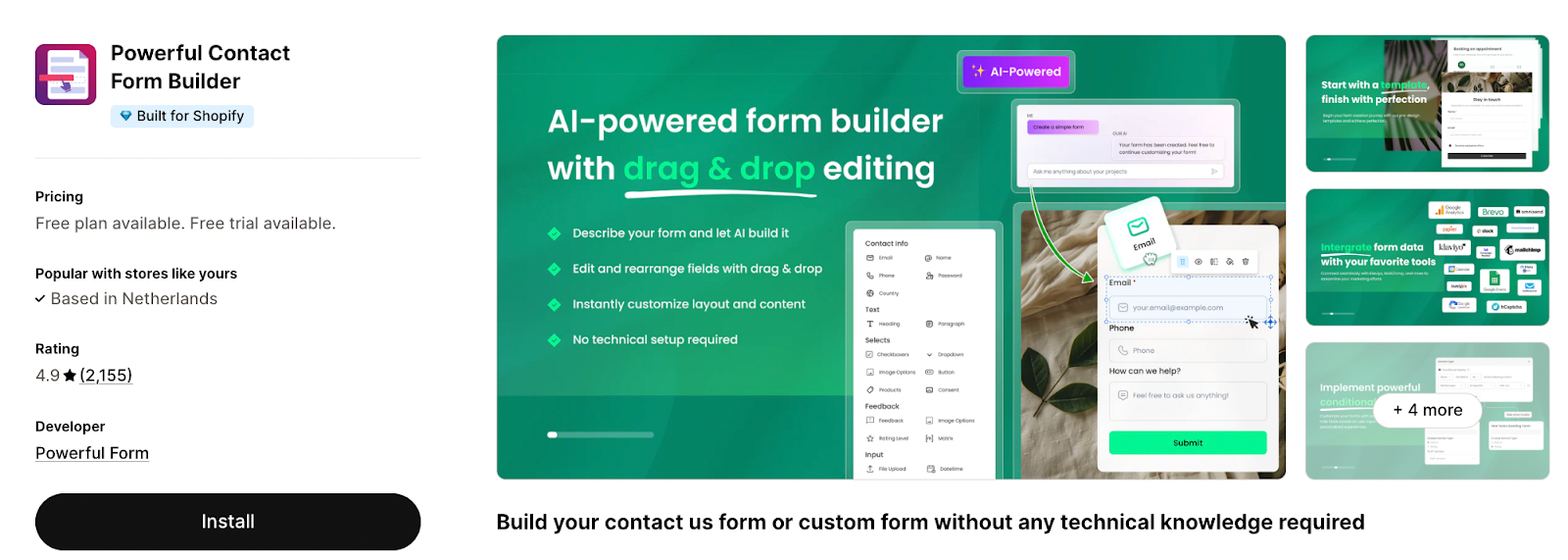
Shopify Rating: 4.9⭐ (2K+ reviews)
Powerful Contact Form Builder is a leading choice for creating professional, no-code forms. It is highly versatile, allowing merchants to build everything from standard contact pages and customer registrations to complex wholesale order forms and surveys.
Unique Value: The only builder that offers a seamless Google Calendar integration, making it the top choice for service-based Shopify stores.
Key features:
- Drag-and-Drop Editor: Includes custom fields and advanced conditional logic to show/hide fields based on user input.
- File & Image Uploads: Allows customers to attach files directly to submissions (available on all plans with varying storage limits).
- Marketing Integrations: Seamlessly syncs data with Klaviyo, Mailchimp, Omnisend, and Brevo (formerly Sendinblue), and integrates with Google Calendar.
- Automated Responses: Set up custom autoresponder emails triggered immediately upon form submission.
- Flexible Placement: Display forms anywhere on your store—including product pages, cart, or homepage—using simple shortcodes or app blocks.
- Spam Protection: Built-in Google reCaptcha to prevent bot submissions.
Best for: Shopify stores requiring reliable, highly customizable forms for operational tasks like registrations, feedback, and wholesale inquiries.
Limitations: Traditional form builder, which is best for operational forms but not purpose-built for list growth.
Pricing: Free plan available; paid plans from $9.99/mo to $19.90/mo (7-day free trial).
3. Hulk Form Builder — Best for Unlimited Forms with Advanced Logic
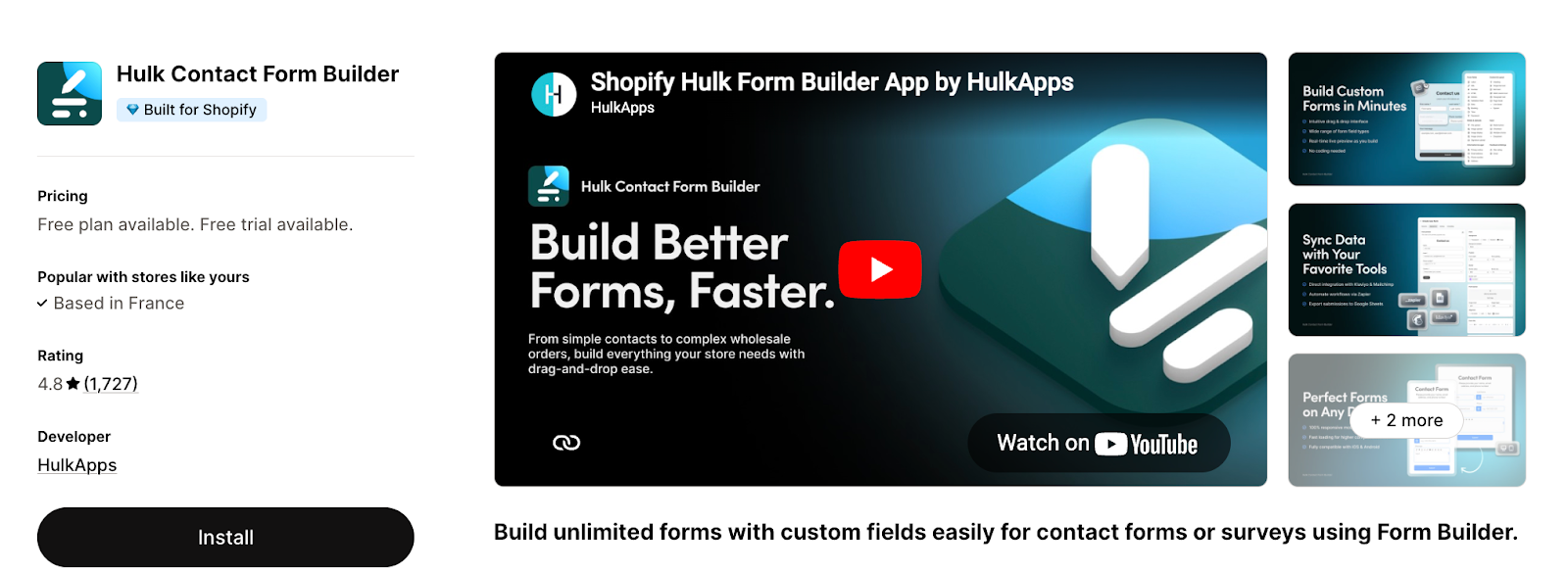
Shopify Rating: 4.8⭐ (1.7K+ reviews)
Hulk Form Builder by HulkApps offers unlimited form creation with a polished drag-and-drop interface. It's a Built for Shopify app that's compatible with all Shopify themes and known for responsive customer support.
User Favorite Tip: Popular for high-volume stores because the "Free" plan is surprisingly generous with unlimited forms.
Key features:
- Unlimited Custom Forms: Create contact, registration, survey, wholesale, multi-step, and Typeform-style forms.
- Advanced Logic: Utilizes conditional and dynamic field logic to create "smarter" forms.
- Data & Security: Supports file uploads (up to 100MB), UTM tracking, and Google reCaptcha integration.
- Brand Customization: Fully mobile-responsive design that can be styled to match your store’s aesthetic.
- Language Support: Available in 20 languages, including German, Spanish, French, and Chinese.
Best for: Stores that need to create many different form types with sophisticated conditional logic.
Limitations: Does not include AI-driven optimization, behavioral triggers, or built-in conversion analytics beyond submission tracking.
Pricing: Free plan available; paid plans from $9.90/mo to $24.90/mo (3-day free trial).
4. Qikify Contact Form Builder — Best No-Code Form Builder for Lead Generation
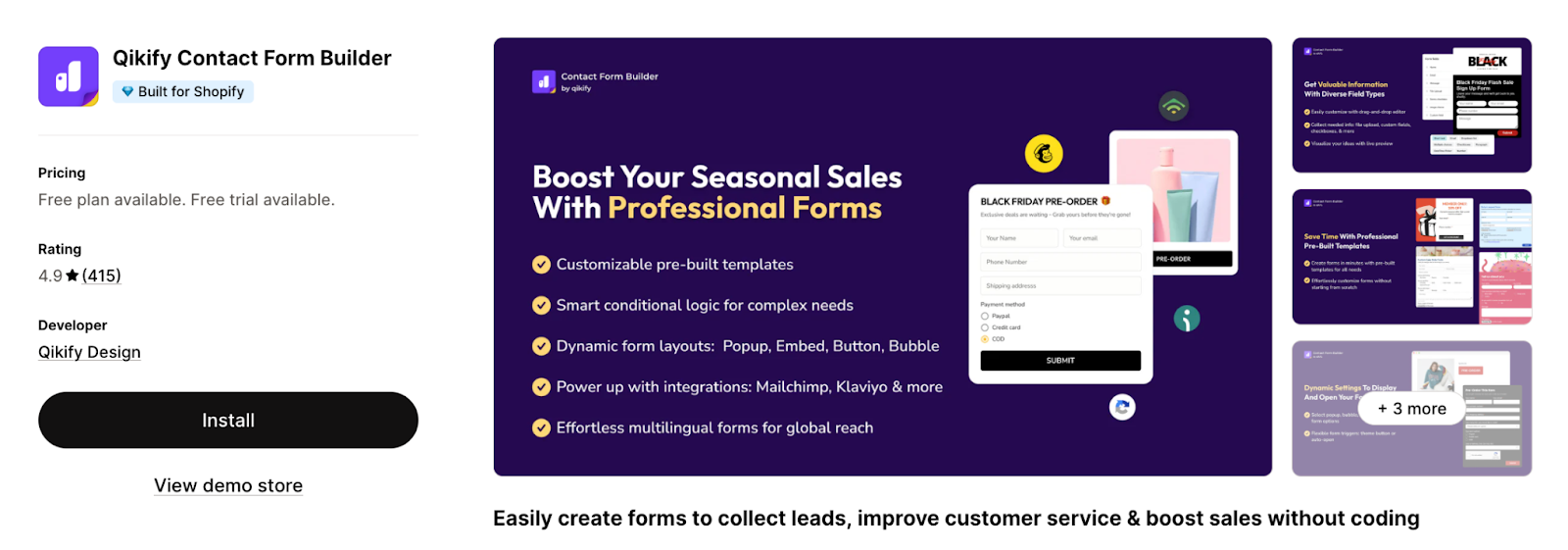
Shopify Rating: 4.9⭐ (400+ reviews)
Qikify Contact Form Builder is a no-code solution designed for Shopify merchants to create custom forms without technical skills. It offers versatile display modes, including popups, floating bubbles, and embedded sections. A standout feature is the ability to trigger forms from any existing site element, such as a theme button or custom CTA.
Key features:
- Versatile Form Types: Create contact, wholesale, registration, and survey forms with a drag-and-drop editor.
- Flexible Display: Choose between popup, bubble, or embedded layouts.
- Custom Triggers: Attach forms to any button or link on your Shopify store.
- Advanced Data Handling: Supports file uploads, image choices, and CSV data exports.
- Smart Logic: Includes conditional logic, form scheduling, and reCaptcha for spam protection.
- Seamless Integrations: Syncs with Mailchimp, Klaviyo, Omnisend, and Shopify Flow.
Best for: Shopify merchants who want flexible form display options (popup, bubble, embedded) without coding.
Limitations: Lacks AI-driven form optimization and native A/B testing functionality.
Pricing: Free plan available; paid plans from $5.99/mo to $7.99/mo (7-day free trial).
5. Pify AI Contact Form Builder — Best for Wholesale Order Forms with Payments
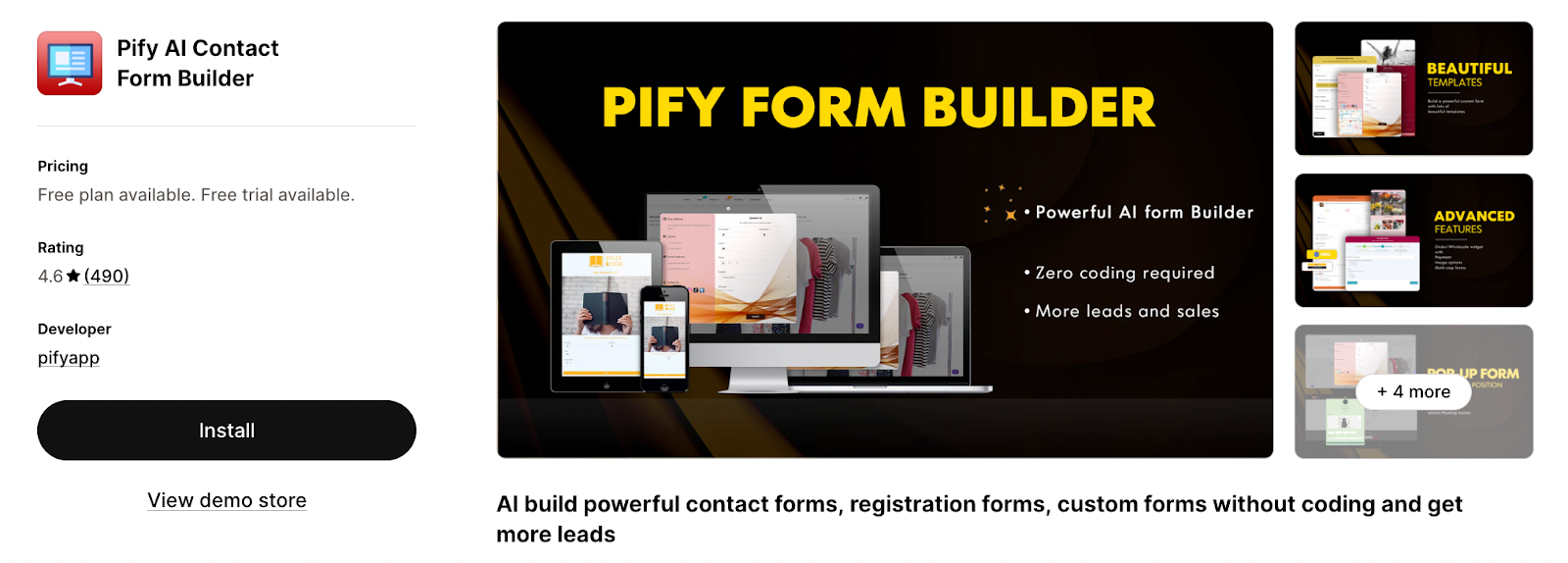
Shopify Rating: 4.9⭐ (450+ reviews)
Pify carved out a niche by making it easy to collect payments directly through your forms. It’s recently leaned into AI to speed up the building process, making it a solid choice for B2B and wholesale shops.
Unique Value: Process wholesale payments via PayPal or Shopify Checkout directly inside the form.
Key features:
- Payment-Enabled Forms: Unique ability to process wholesale orders with built-in support for Shopify Checkout and PayPal.
- AI Builder: Uses AI to help you generate forms like registration or returns faster.
- Lead Capture: Supports popups, multi-step forms, and conditional logic.
- Automation: Automatically creates Shopify customer profiles and syncs with Zapier, Slack, and Google Sheets.
- Marketing Sync: Native integrations with Klaviyo, Mailchimp, and Omnisend.
Best for: B2B and wholesale Shopify stores that need order forms with built-in payment processing.
Limitations: The free plan is a bit tight—you’re limited to 10 fields per form and 50 submissions per month.
Pricing: Free plan available; paid plans from $4.99/mo to $14.99/mo (5-day free trial).
6. POWR Contact Form Builder — Best for Marketing Integrations
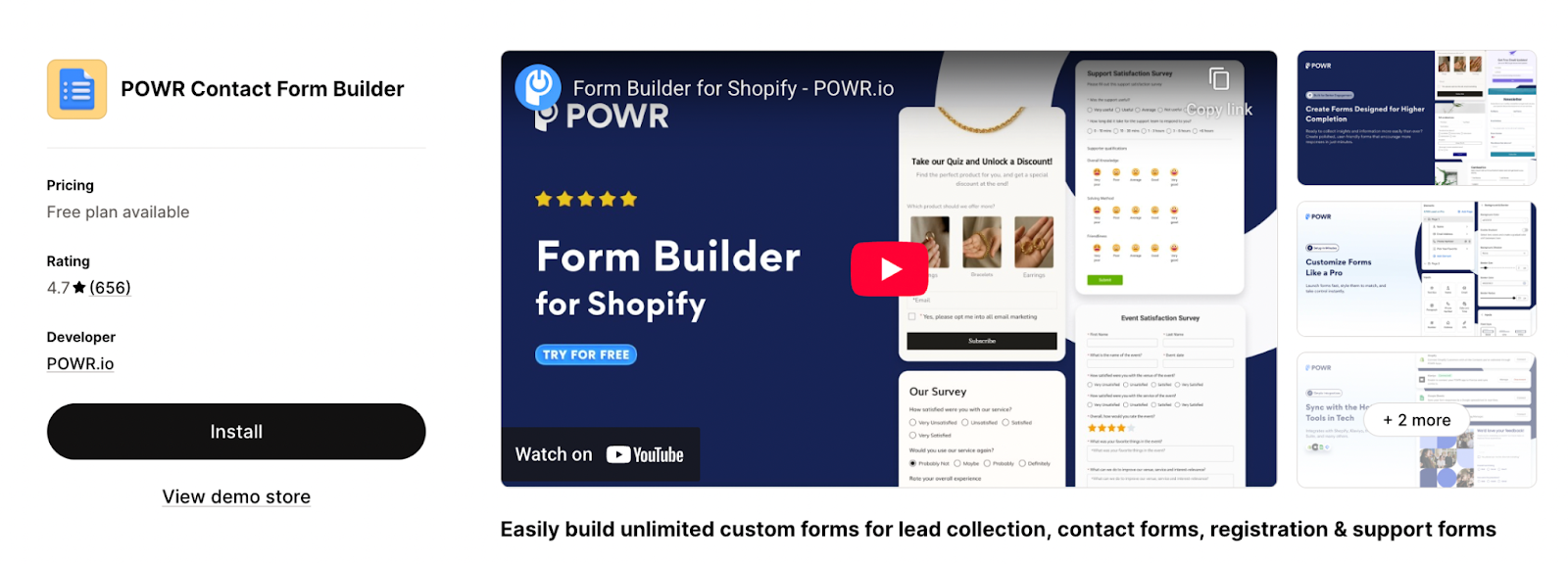
Shopify Rating: 4.7⭐ (650+ reviews)
POWR is a well-known website optimization suite, and its form builder is one of the most-installed apps on Shopify. It offers 12+ pre-built form templates and a floating widget/sidebar option for always-visible lead capture.
Key features:
- Versatile Templates: Choose from 12+ pre-built form templates including wholesale, survey, and contact forms.
- Smart Forms: Includes conditional logic to show or hide fields based on a user’s previous answers.
- Advanced Display: Supports embedded forms, popup forms, and unique floating widgets/sidebars for constant visibility.
- Workflow Automation: Instant email alerts on every submission and automatic syncing with Google Sheets.
- Unified Dashboard: Manage all contacts and form responses from a centralized POWR dashboard.
- No-Code Install: Fully compatible with Shopify’s Theme Editor for simple, one-click installation.
Best for: Merchants looking for a reliable, multi-platform form builder that offers flexible display options like floating sidebars.
Limitations: Because it is a general-purpose tool used across various website builders, the interface may feel slightly less "Shopify-native" than apps built exclusively for the platform.
Pricing: Free; paid plans from $10.99/mo to 98.99/mo.
7. Shopify Forms — Best Free Native Lead Capture
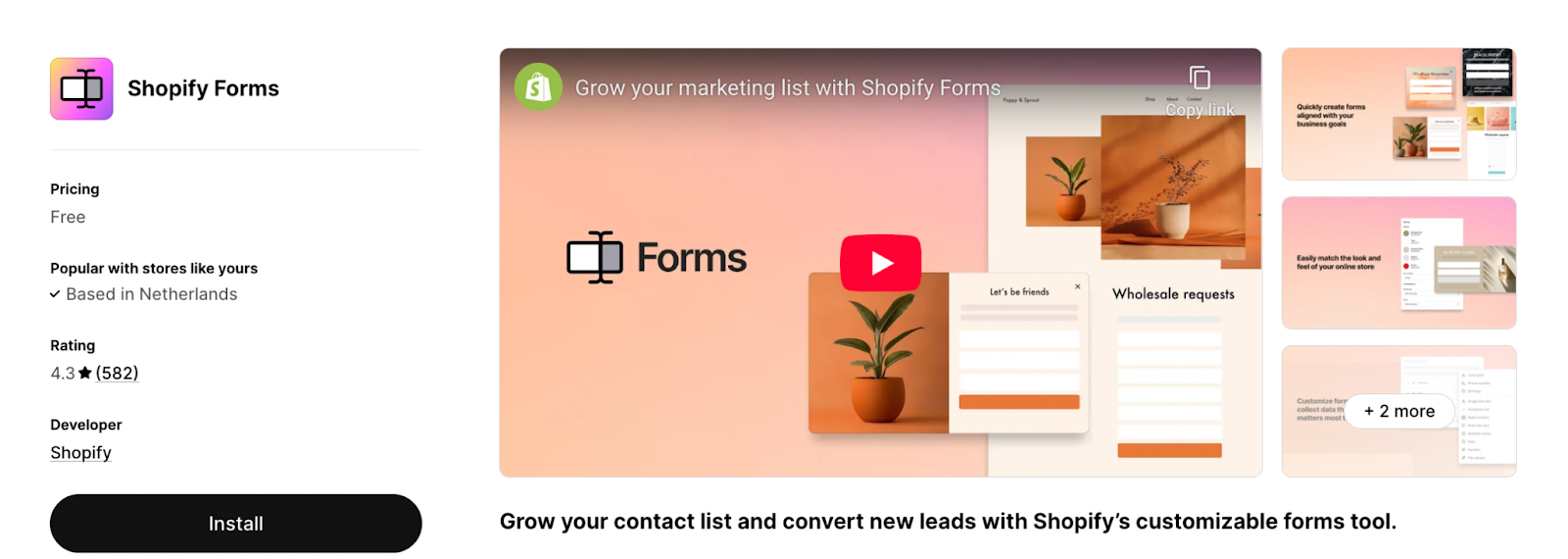
Shopify Rating: 4.3/5 (580+ reviews)
Shopify’s own native form app is a straightforward tool for capturing customer information directly into your admin. It is a no-cost, reliable option for merchants who want seamless integration with Shopify’s ecosystem without the need for third-party subscriptions.
Key features:
- Flexible Display: Add inline forms to specific pages or use pop-up forms to grab attention.
- Automated Segmentation: Automatically tag new customers upon submission to organize your marketing lists.
- Brand Customization: Personalize forms with your brand’s colors, images, and custom text.
- Incentive Support: Easily offer discount codes to visitors who sign up or provide information.
- Data Integration: Collect essential business data and wholesale leads using custom fields and metafields.
- Native Compatibility: Built by Shopify to work perfectly with Shopify Email and Automations.
Best for: New Shopify stores or merchants who need basic, free lead capture with zero setup friction.
Limitations: Provides basic functionality; lacks advanced features like conditional logic, file uploads, A/B testing, or deep conversion analytics.
Pricing: Free
8. Formify — Best for Custom Checkout Forms
Shopify Rating: 5/5 ⭐ (5 reviews)
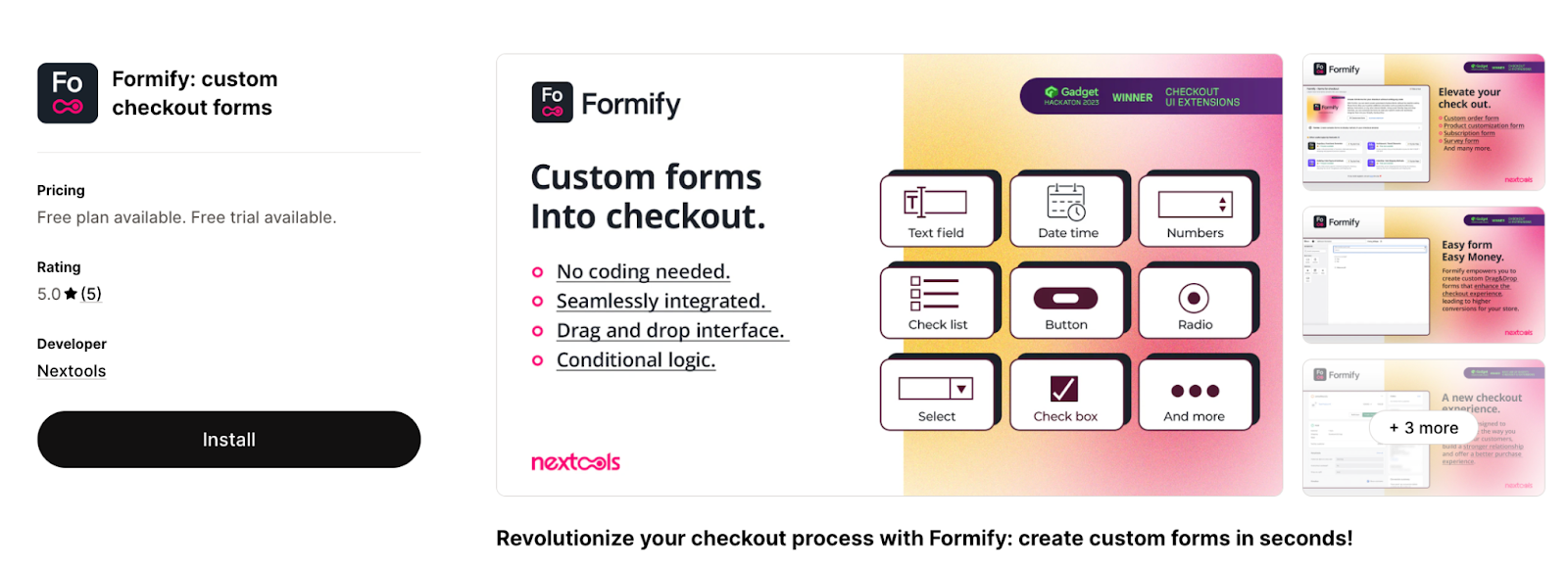
Formify occupies a unique niche: it lets you add custom form fields directly inside the Shopify checkout process using checkout extensions. This is valuable for collecting information at the highest-intent point of the customer journey.
Key features:
- Integrated Checkout Forms: Add custom fields directly within the checkout flow to capture specific order details.
- Drag-and-Drop Builder: Create and customize forms in seconds with an intuitive no-code interface.
- Advanced Logic: Use conditional display logic based on customer tags and hide/show shipping methods based on form inputs.
- Workflow Automation: Sync captured cart attributes with Shopify Flows to trigger personalized post-purchase automations.
- Native UI: Sleek, responsive design that matches the Shopify checkout theme for a consistent user experience.
Best for: Shopify Plus stores that need to collect custom data during checkout (gift messages, delivery instructions, B2B fields).
Tip: A "must-have" for gift shops. It’s the easiest way to add a "Gift Message" or "Delivery Date" field directly to the checkout page.
Limitations: Exclusively designed for the checkout process; not intended for general landing page lead generation or newsletter sign-ups.
Pricing: Free plan available for Shopify Plus users; Pro plan starts at $12.99/mo (7-day free trial).
9. AiTrillion Form Builder — Best for Custom Registration Forms
Shopify Rating: 4.8⭐ (250+ reviews)
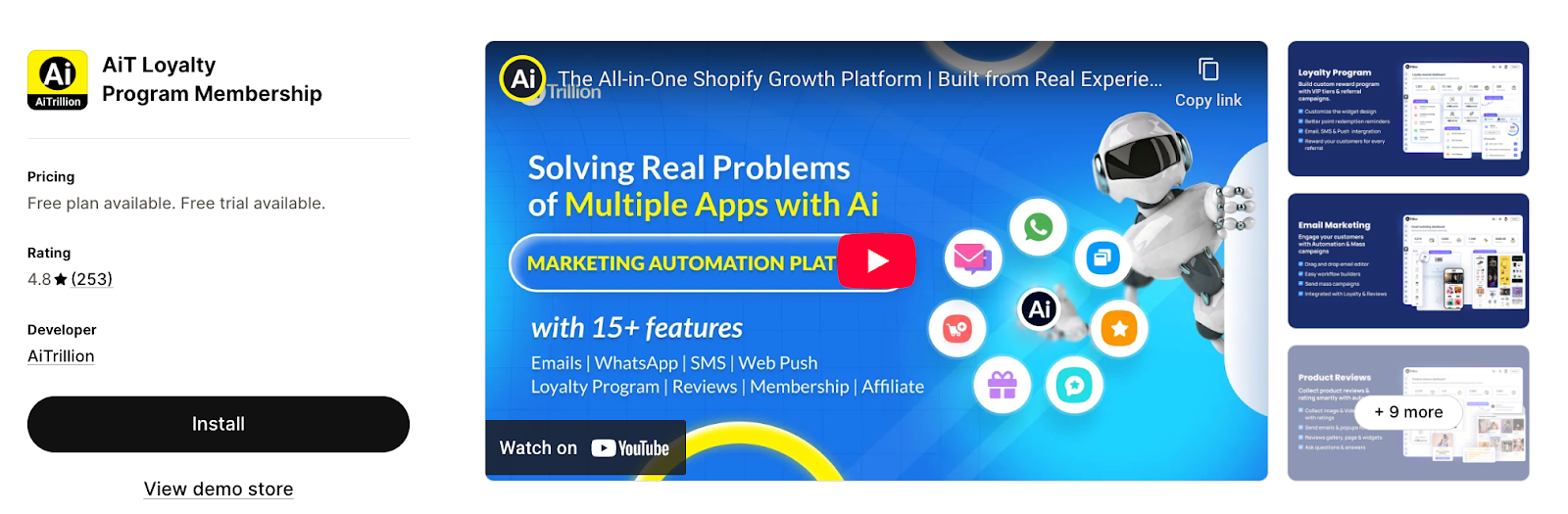
AiTrillion’s form builder is a specialized component of its all-in-one marketing suite. It excels at replacing the standard Shopify registration page with high-conversion custom forms designed to feed data directly into loyalty and retention programs.
Unique Value: Part of an all-in-one suite; your forms talk directly to your loyalty and referral programs.
Key features:
- 20+ Custom Field Types: Build detailed forms using a variety of fields to collect specific customer insights.
- Deep Suite Integration: Form data automatically syncs with the platform's loyalty, rewards, and email marketing modules.
- Smart Conditional Logic: Create dynamic forms that show or hide specific fields based on previous user inputs.
- Custom Branding: Fully customizable themes with support for custom CSS to ensure forms match your storefront perfectly.
- Pre-designed Templates: Includes a library of professional templates for quick setup and deployment.
Best for: Growth-focused stores that want their customer registration data to trigger automated loyalty rewards or personalized marketing workflows.
Limitations: Because the form builder is bundled within a comprehensive marketing platform, it may provide more features than a merchant seeking only a basic standalone contact form requires.
Pricing: Free Always Plan (up to 250 emails); Paid plans start from $19/month (up to 1000 contacts) to $99/mo (up to 5000 contacts); 7-day free trial for all paid tiers.
How to Choose the Best Shopify Form Builder
Before diving into the apps, here is a quick framework for evaluating which tool actually fits your store's needs:
- Ease of Use: Look for intuitive drag-and-drop editors and ready-to-use templates. If you need a dev to launch a form, you're losing time and money.
- Deep Integrations: Your builder should connect seamlessly to your marketing stack (Klaviyo, Omnisend, SMS tools) and CRM. The fewer manual data exports, the better.
- Mobile-First Design: Over 70% of Shopify traffic is mobile. Forms that look clunky on small screens will tank your conversion rates. (See: Mobile Popup Best Practices)
- A/B Testing: Static forms leave money on the table. You need to test headlines, offers, and timing—ideally with AI doing the heavy lifting.
- Actionable Analytics: Raw submission counts aren't enough. Look for opt-in rates, purchase rates, and actual revenue attribution. For a deeper framework, see our guide on building a killer website conversion funnel.
- Scalable Pricing: Free plans are great, but ensure the tool can scale with your traffic without locking essential features behind massive paywalls.
The 2026 Privacy Standard: Consent as a Competitive Edge
In today’s market, a form isn’t just about data—it’s about explicit consent. We’ve verified that top-tier apps like Alia and Hulk prioritize Zero-Party Data (insights your customers intentionally share).
By moving away from "inferred" tracking, you bypass the volatility of third-party cookie "death" and Google’s global consent prompts. This provides a bulletproof framework for compliance with GDPR, CCPA, and 2026 DPDP regulations without sacrificing personalization.
AI-Powered Lead Capture vs. Traditional Form Builders
Traditional form builders are excellent for operational tasks, but if your primary goal is growing your Email/SMS lists—the highest-leverage activity for DTC brands—they have some blind spots. They often lack behavioral intelligence, autonomous optimization, and revenue attribution.
Here is how the two categories stack up so you can choose the right tool for the job:
Pro Tip: The smartest approach is usually a hybrid stack. Deploy an AI-powered platform like Alia Popups to handle your lead capture, maximize your welcome flow revenue, and convert anonymous traffic. Then, use a traditional builder like Powerful Contact Form Builder or Hulk to handle your day-to-day operational forms and custom requests.
Decision Matrix: Which One Should You Pick?
Want to go deeper? Read more:
The Verdict: Operations vs. Growth Engines
The smartest Shopify stack in 2026 is a hybrid approach.
Use a traditional builder like Hulk or Powerful Contact Form for your "Contact Us" and "Wholesale" pages. But for your homepage and product pages—where the real money is made—deploy Alia Popups. Don't leave your list growth to a static box when you can have an AI engine driving revenue 24/7.
Alia Popups is the only AI-powered popup platform built exclusively for Shopify that combines autonomous A/B testing, behavioral smart triggering, revenue-focused analytics, zero-party data collection, and advanced segmentation — all backed by data from over half a billion popup views.
The brands using Alia aren't just collecting more emails. They're driving measurable revenue: +245% welcome flow revenue for Hostage Tape, $5.8M in attributed sales for Nakie, 360,000 emails in one month for Essence Vault.
Stop guessing and start scaling.
[Start your free trial with Alia Popups →]
Frequently Asked Questions
Can I use a form builder to grow my email list on Shopify?
You can, but a traditional form builder won't optimize for list growth. For maximum email and SMS signups, use an AI-powered popup platform like Alia Popups that uses behavioral triggering, automated A/B testing, and revenue-focused analytics to continuously improve your capture rates.
Do I need a developer to set up a Shopify form builder?
No. Every tool on this list offers no-code setup. Alia Popups can be launched in 30 minutes with a native one-click Shopify embed. Traditional form builders like Hulk and Powerful Contact Form Builder use drag-and-drop editors that require zero technical knowledge.
How do I prevent forms from showing to existing subscribers?
Most traditional form builders don't offer this. Alia Popups uses multi-method subscriber suppression — including its own cookies, ESP provider scripts (like Klaviyo), and UTM blocking — to prevent showing signup forms to people who've already subscribed.
What opt-in rates should I expect from Shopify popup forms?
Traditional static forms typically see 2%–5% opt-in rates. AI-optimized popups like Alia consistently deliver 15%–20% opt-in rates, with top-performing brands reaching 25%–35% through Smart Testing and Smart Triggering. Looking for ways to boost those rates further? Start with the right offer — here are 20 discount code ideas to drive more sales.