



Exit popup software uses interaction signals to infer that a visitor may leave, then shows a targeted offer, reminder, or form. The ten options below differ in triggers, device behavior, testing, service, and pricing. Compare the plan that actually includes the exit features you need; a low entry price may not include them. Customer opt-in results are reported separately from incremental abandonment recovery.
In this article, we’ll cover:
- The 10 best tools for 2026
- Why basic popups often fail
- How to pick the right tool for your shop
This is Alia’s editorial comparison of current vendor documentation and published customer stories. It is not a controlled benchmark of all ten products. Confirm the specific plan, implementation, and measurement method before purchasing.
Refreshed in October 2026. Monthly and annual prices are labeled separately, and prices can vary by traffic, contact count, module, and promotion. Follow each vendor’s pricing link for a quote matched to your setup.
What Is an Exit Popup?
An exit popup is an overlay shown when configured behavior suggests a visitor may leave. On desktop, this may be an upward cursor exit. Mobile lacks that signal and needs a separate engagement strategy. Smart Triggering supports behavior-based re-engagement. Read what exit intent is and how detection works before treating every trigger as a confirmed abandoning shopper.
Best Exit Popup Software: Pricing and Testing at a Glance
| Tool | Starting price / basis | Free option | Mobile / exit check | Testing | Shopify implementation |
|---|---|---|---|---|---|
| Alia | $100/mo Basic; $400/mo Fully Managed | No permanent free plan | Behavior-based re-engagement; preview device settings | Smart Testing; review/approve plan | Confirm app / embed and required tier |
| Amped / Mailchimp | Mailchimp plan and contact tier | Check current Mailchimp plan | Confirm current form triggers | Confirm popup testing entitlement | Confirm app / embed and required tier |
| Maestra | $2,000/mo CDP + email; onsite module extra | Contact sales | Confirm onsite module and device rules | CSM-supported testing; confirm scope | Confirm app / embed and required tier |
| Justuno | $59/mo Lite; $299/mo Done-For-You | Trial; no listed permanent free tier | Check mobile rules in chosen workflow | Testing tools and optional managed service | Confirm app / embed and required tier |
| OptinMonster | $9/mo Basic; exit intent Pro $37/mo, introductory annual pricing | No; money-back terms apply | Confirm Pro+ mobile handling; Shopify features may require Growth | Plus+ A/B; Pro+ exit intent | Confirm app / embed and required tier |
| Privy | $24/mo popups; $30/mo email bundle | Trial; no listed free tier | Confirm mobile trigger behavior | A/B testing included in Displays | Confirm app / embed and required tier |
| OptiMonk | $29/mo monthly; $19/mo billed yearly | Yes, 10,000 pageviews | Check engagement rules and device targeting | A/B testing and AI agent included | Confirm app / embed and required tier |
| Wunderkind | Custom quote | Contact sales | Confirm managed scope | Managed program; confirm scope | Confirm app / embed and required tier |
| Poptin | $25/mo monthly; $20/mo billed annually | Yes, 1,000 visitors | Check mobile engagement rules | A/B testing; confirm limits | Confirm app / embed and required tier |
| Shopify Forms / theme | Forms is free; theme-dependent | Forms is free | Forms exit trigger is desktop-only; theme varies | No native multistep/conditional Forms logic | Forms is an installed Shopify app |
Nakie reports 28% average email signup, 35% peaks, and $5.8M in attributed sales
PEAK EMAIL OPT-IN RATE (UP FROM 5-6%)
AVERAGE EMAIL SIGNUP RATE
IN ATTRIBUTED SALES

"We always cared about the customer journey, and Alia's the first tool that actually let us design one that makes sense. And once we did, everything clicked — sign-up rates, conversions, the whole funnel started significantly performing. Since switching to Alia, our lowest sign-up rate has been 28%, and we've even reached 35% in some months."
Install Alia
Launch your first popup
Keep optimizing your opt-in rate

Read the Nakie case study. These are overall campaign outcomes, not an exit-only recovery rate.
1) Alia — Exit Popup Optimization With AI and Managed Support
Best for: E-commerce teams with sufficient traffic for ongoing experiments and optional managed support.
Ratings and review counts change; check the vendor’s current app or review listing before choosing a plan.
Alia is an AI-powered popup and email/SMS capture platform for e-commerce brands. Smart Triggering supports behavioral re-engagement, Smart Testing runs a plan your team reviews and approves, and Prism AI adapts experiences using performance data. It has a native Shopify app and a scoped custom embed route for other storefronts.
Key Features:
- Smart Triggering: behavior-based popup re-engagement.
- Smart Testing: a reviewed and approved plan followed by ongoing experimentation.
- Prism AI: personalization based on performance signals.
- Advanced Targeting: source, UTM, page, device, and audience rules.
- Educational flows, separate email/SMS permission, and marketing profile sync.
- Auto-applied discount workflows and business reporting; verify the exact integration.
What Makes Alia Different for Exit Campaigns?
Beyond exit popups, Alia excels at creating educational customer experiences that build trust before asking for email addresses. The platform's storytelling capabilities make it particularly effective for brands that need to educate customers about complex products or sustainability missions.
| Capability | What to evaluate |
|---|---|
| Mobile design | Preview the actual device layout, keyboard, and close control |
| Reporting | Distinguish opt-ins, attributed revenue, and incremental lift |
| Managed support | Fully Managed adds dedicated support and ongoing experimentation |
| Implementation | Validate the Shopify app or scoped custom embed |
| Audience rules | Use Advanced Targeting and conservative frequency settings |
Alia Pricing
| Plan | Price / traffic | Trial and service |
|---|---|---|
| Basic | $100/month for up to 20,000 monthly visitors | 14-day trial, onboarding, and chat support |
| Fully Managed | $400/month for up to 50,000 monthly visitors | 30-day trial, managed testing, and dedicated support |
Basic plans start at $100/month for up to 20,000 monthly visitors; Fully Managed starts at $400/month for up to 50,000. Compare plans for your traffic.
Pros and Cons
Pros: Ongoing test execution, behavior-based re-engagement, preference capture, and optional managed support.
Cons: No permanent free plan; meaningful experiments need sufficient traffic, useful creative, and team review.

Read next: exit intent popup examples.
2) Amped (Now Part of Mailchimp) – Design-First Conversion Engine
Best for: Brands that already use Mailchimp and want popup forms within that stack.
Reviews: Amped is no longer a standalone service. Read current Mailchimp app reviews; those reviews cover Mailchimp, not a separate Amped product.
Intuit acquired Amped technology in 2024 and incorporated it into Mailchimp popup forms. The current product sits within Mailchimp’s marketing platform; evaluate that package rather than treating the former standalone tool as a separate subscription.
If you already use another ESP, compare the migration and integration implications with a dedicated popup platform. Confirm the current feature scope directly with Mailchimp.
Key Features:
- Customizable popup layouts and brand styling.
- Templates and targeting filters for different visitor contexts.
- Email and SMS capture with appropriate consent settings.
- Zero-party data capture for connected customer profiles.
- Mailchimp-based campaign and messaging workflow.
Considerations before going with Amped/Mailchimp:
The popup forms roadmap and support now sit within Mailchimp. Do not infer degraded product quality from the acquisition alone; evaluate the current product and service.
Choose this route if the current Mailchimp package fits the broader stack you intend to operate.
Mailchimp Pricing Depends on the Plan and Contact Tier
| Starting price / basis | Free option | Testing / plan check |
|---|---|---|
| Mailchimp plan and contact tier | Check current Mailchimp plan | Confirm popup testing entitlement |
Pros and Cons
Pros: Popup forms integrated into Mailchimp’s marketing workflow and customization tools.
Cons: Compare the current Mailchimp package and any migration cost; do not use historical standalone Amped pricing.
Read how Portland Leather grew email signups after switching from Amped, and how TUSHY evaluated testing and personalization after leaving Amped. These are individual brand stories, not evidence about every former Amped customer.
Read next: Best Amped Alternatives for Shopify
3) Maestra — All-in-One Personalization with Exit Popups Built In
Best for: Teams evaluating popups alongside a broader CDP and messaging platform.
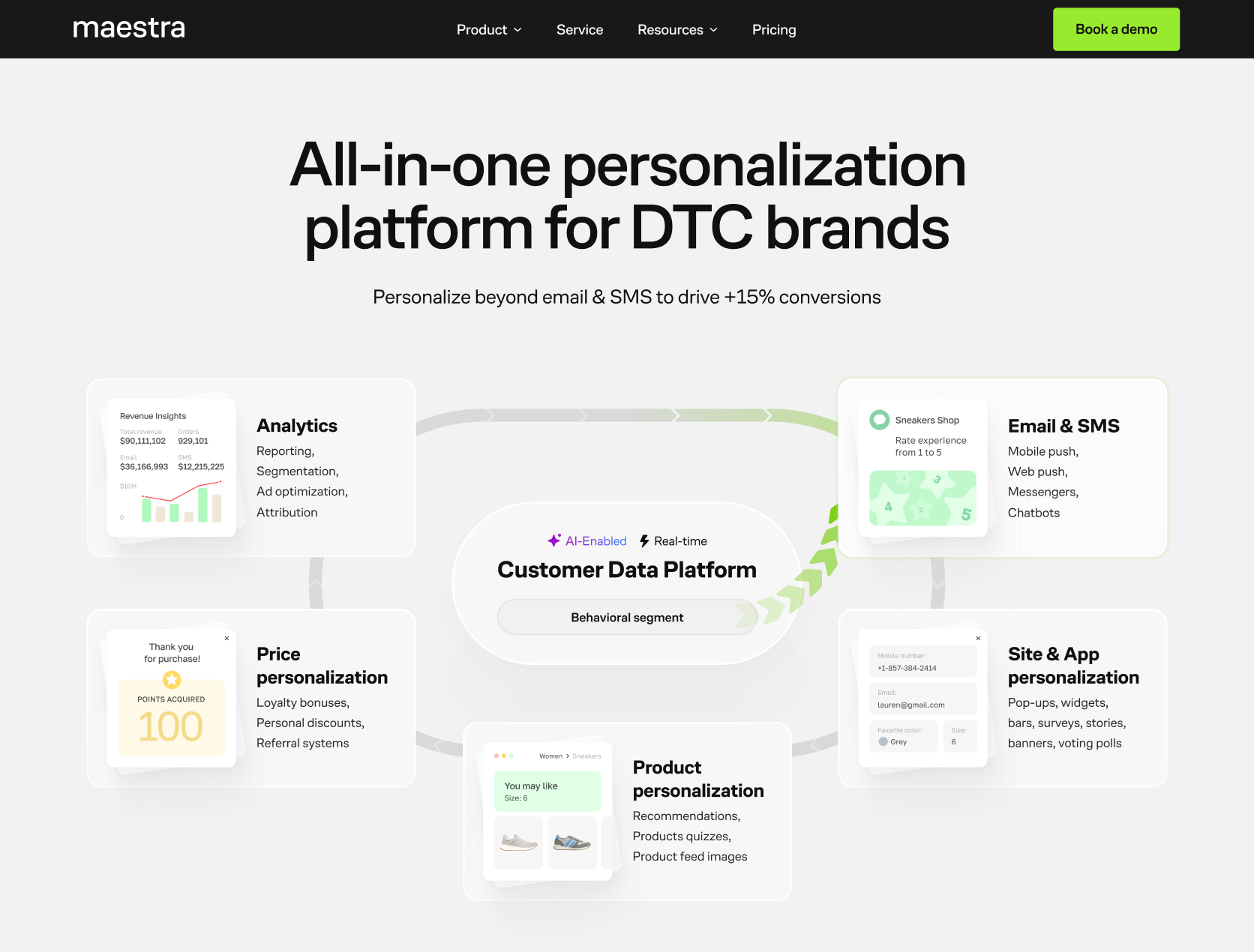
Ratings and review counts change; check the vendor’s current app or review listing before choosing a plan.
Maestra is built for brands that have outgrown standalone popup apps. It runs exit popups as one capability inside a broader on-site personalization engine — wired into a real-time CDP. The platform also covers omnichannel messaging, loyalty programs, and product recommendations.
Key Features:
- Campaign templates, popup formats, and an onsite editor.
- Trigger and audience rules connected to customer context.
- CDP-driven personalization and relevant product recommendations.
- Connected messaging, loyalty, and other optional modules.
- Implementation and customer-success support for configuration and testing.
Considerations before going with Maestra:
Maestra suits teams that want popup functionality alongside a CDP, messaging, loyalty, and onsite personalization. Smaller teams should compare implementation scope and modules rather than buying it solely for a basic signup form.
Maestra Starts at $2,000/month for CDP and Email; Modules Add Cost
| Component | Current pricing basis | Check |
|---|---|---|
| CDP + email | From $2,000/month for the first 100,000 active profiles | This is not an all-in quote for every channel |
| Additional active profiles | $0.013 per profile above 100,000 | Rolling 12-month average determines billable volume |
| Onsite personalization / other modules | Add only the modules needed | Confirm popup and channel scope in the proposal |
| Migration and services | Included according to the pricing page | Confirm ongoing responsibilities and contract terms |
Review Maestra’s current pricing. If you plan to retain your existing ESP, compare that broader platform decision with adding Alia for capture and optimization.
Pros and Cons
Pros: Unified data and multi-channel scope with implementation support.
Cons: High starting spend and additional modules; confirm the popup scope and service responsibilities.
4) Justuno - Data-Driven CRO and Popup Platform
Best for: Multi-platform teams that need detailed targeting workflows and optional managed services.
Ratings and review counts change; check the vendor’s current app or review listing before choosing a plan.
Justuno is a conversion rate optimization platform that combines popups, banners, and on-site messaging with a deep segmentation engine.
It supports Shopify, BigCommerce, WooCommerce, and custom sites, making it a popular choice for multi-platform brands.
Key Features:
- Advanced Targeting Rules – Session data, referral source, scroll depth, cart value, and returning visitor segmentation for precise popup delivery
- AI Campaign Assistant – Auto-suggests creatives, copy, and targeting combinations based on historical performance
- Gamification Options – Spin-to-win, scratch-to-reveal, and interactive formats to increase engagement
- Product Recommendations – Dynamic upsell and cross-sell suggestions within popup experiences
- Multi-Platform Support – Works across Shopify, BigCommerce, WooCommerce, Magento, and custom builds
Considerations before going with Justuno:
Justuno supports deeper campaign and audience configuration, plus a Done-For-You option. Compare visitor allowances, live workflow limits, support, and the configuration your team will own.
A native integration does not by itself prove better page performance; measure the actual implementation.
Justuno pricing starts at $59/mo
| Plan | Price | Key features |
|---|---|---|
| Lite | $59 / month | Up to 10,000 monthly visitors, 14-day free trial, white-glove onboarding, all features, 5 live workflows. Save 10% when billed annually. |
| Done-For-You | $299 / month | Up to 20,000 monthly visitors, 30-day free trial. Everything in Lite plus ongoing services, unlimited features, a dedicated account manager, and a personal Slack channel. Save 10% when billed annually. |
| Enterprise | Contact Us | Custom visitor limits, unlimited live workflows, custom segments and properties, AI custom product recommendations, custom analytics dashboard, cross-domain reporting, and an Enterprise Hub. |
Check Justuno’s current plan details.
Pros and Cons
Pros: Targeting and workflow tools, integrations, and optional ongoing services.
Cons: Traffic and workflow limits differ; confirm the internal work needed for your campaign.
Gardencup reports 124% more email subscribers and 76% higher welcome-flow revenue after its switch. Patrick Ta’s story reports a 12% opt-in rate and $600K sales. These measure broader programs, not an exit-only software benchmark.
Read next: Justuno Alternatives (Ranked)
See how Alia compares to Justuno.
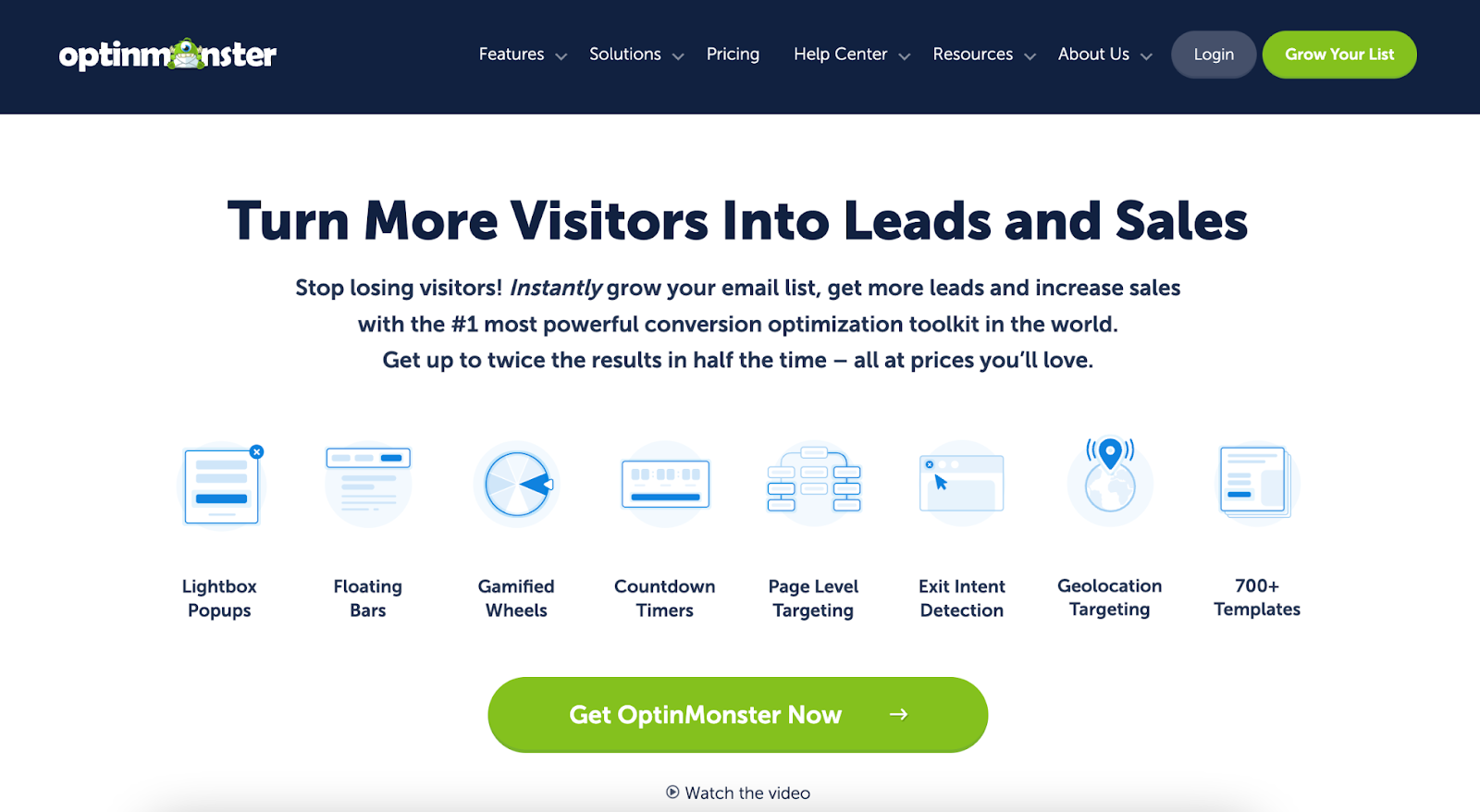
5) OptinMonster - Advanced Exit-Intent Technology
Best for: Sites that need exit detection and can select the required feature and integration tiers.
Ratings and review counts change; check the vendor’s current app or review listing before choosing a plan.
OptinMonster offers Exit Intent® alongside targeting, templates, and campaign tools. Its Pro tier includes exit intent, while Shopify/ecommerce integration requirements should be checked against Growth and the current plan matrix. The Basic entry price alone does not buy every feature relevant to a Shopify exit campaign.
Key Features:
- Exit Intent® in the Pro tier or above.
- Templates and campaign editor.
- Targeting and retargeting options that vary by plan.
- Revenue attribution in applicable tiers.
- Platform integrations with plan-specific requirements.
Considerations before going with OptinMonster:
There is no permanent free plan. A/B testing starts at Plus, exit intent at Pro, and ecommerce integrations have their own tier requirements. Introductory annual billing renews at the normal annual price.
OptinMonster Exit Intent Starts on Pro: $37/month Introductory Annual Rate
Current introductory annual figures: Basic $9/month, Plus $27, Pro $37, and Growth $67. Normal annual renewals are $210, $570, $870, and $1,470 respectively. Verify the current promotion and feature matrix.
| Plan | Price | Features |
|---|---|---|
| Basic | $9/mo (billed annually, renews at $210/yr) | 1 site; 2,500 monthly impressions; all campaign types; 700+ templates; simple analytics. |
| Plus | $27/mo (billed annually, renews at $570/yr) | Up to 2 sites; 10,000 monthly impressions; A/B testing; content locking; full analytics. |
| Pro | $37/mo (billed annually, renews at $870/yr) | Up to 3 sites; 25,000 monthly impressions; Exit-Intent® technology; countdown timers; 2 sub-accounts. |
| Growth | $67/mo (billed annually, renews at $1,470/yr) | Up to 5 sites; 100,000 monthly impressions; Shopify and ecommerce integrations; geolocation targeting; custom branding; unlimited sub-accounts. |
Pros and Cons
Pros: Established exit-intent campaign tools, templates, and tiered targeting/testing.
Cons: Exit intent is not in Basic or Plus; check ecommerce integration tiers and renewal pricing.
Read next: We Compared OptinMonster Alternatives - Here's #1
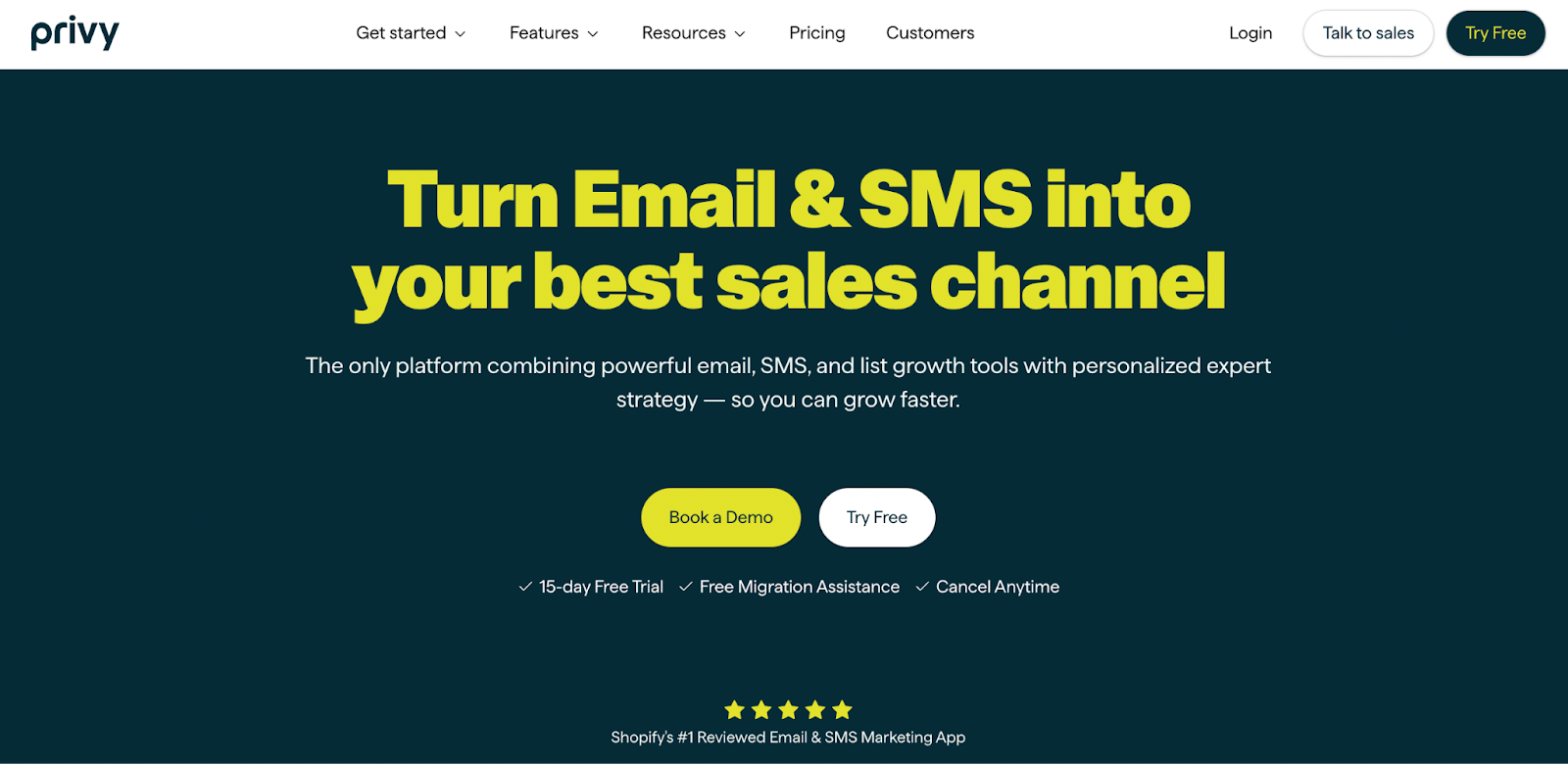
6) Privy - Shopify-Focused Email and SMS Marketing
Best for: Small Shopify teams comparing popup-only tools with an email/SMS bundle.
Ratings and review counts change; check the vendor’s current app or review listing before choosing a plan.
Privy combines intuitive list growth tools with personalized coaching and marketing automations, specifically designed for Shopify merchants and direct-to-consumer brands.
Key Features:
- Simultaneous Email/SMS Capture - Multi-step popups that collect both email and SMS contacts in a single interaction
- Deep Shopify Integration - One-click signup and native Shopify integration for seamless setup and contact syncing
- Dedicated Customer Success - Personalized coaching and dedicated success managers for larger accounts (9,000+ contacts)
- Gamification Options - Spin-to-win wheels and other interactive elements to increase subscriber engagement
- Cart Abandonment Recovery - Exit-intent triggered displays with incentives to reduce abandonment rates
Considerations before going with Privy:
SMS marketing is initially limited to US and Canadian phone numbers, and coaching support is typically unlocked at higher contact volumes.
Privy Pop-ups and Displays Start at $24/month
Privy’s popup-only plan is priced by pageviews; the email bundle starts at $30/month and scales by contacts, with SMS usage separate. Confirm support and destination requirements for the plan you choose.
| Plan | Price | Features |
|---|---|---|
| Pop-ups & Displays Only | From $24/mo (based on monthly pageviews) | Template library; landing pages; embedded forms; A/B testing; Spin-to-Win, cart savers, cross-sell pop-ups, and multi-step quizzes; exit-intent pop-ups; contacts sync to Shopify, BigCommerce, or Wix. |
| Email & SMS | From $30/mo (based on mailable contacts) | Unlimited email sends; 250 free SMS credits; automations; advanced targeting and segmentation; third-party integrations; advanced reporting; email and live chat support; 15-day free trial, no credit card required. |
Pros and Cons
Pros: Popup testing, templates, and optional email/SMS tooling.
Cons: Different products use different pricing bases; verify messaging and support details.
Read more: Privy Alternatives That Support Global SMS
Zero Foxtrot grew email signup from 3% to 7.5%, with 32K emails and $215K in 30 days
EMAIL SIGN-UP RATE
EMAIL SIGN-UPS IN 30 DAYS
IN ATTRIBUTED SALES (30 DAYS)

With Alia, we're seeing sign-ups and sales like never before—32,000 new leads, $215K in sales, and a 20% purchase rate in just 30 days.
Install Alia
Launch your first popup
Keep optimizing your opt-in rate
Zero Foxtrot’s case study identifies Kevin Wren as the co-founder of its agency, Rock City Lab. The quote is an agency perspective on the brand’s campaign; its 20% figure is purchase rate within 30 days of signup.
See how Alia compares to Privy.
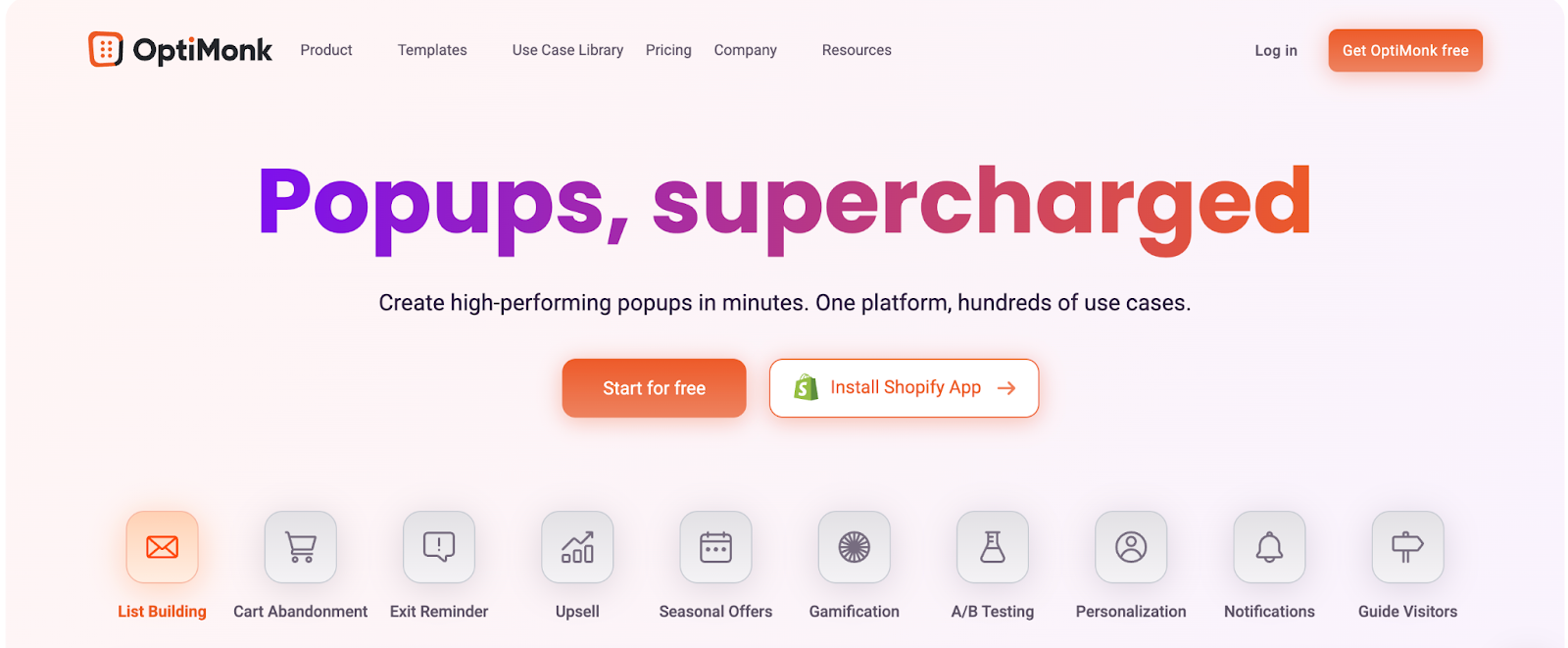
7) OptiMonk - Revenue-Focused Popup Optimization
Best for: Stores that want a free starting tier and AI-assisted campaign building.
Ratings and review counts change; check the vendor’s current app or review listing before choosing a plan.
OptiMonk provides targeting, A/B testing, analytics, and an AI agent for campaign building and management. Compare the current agent workflow with your preferred approvals and service model.
Key Features:
- AI-assisted campaign creation and management.
- Targeting and A/B testing across listed plans.
- Analytics and integrations.
- Free and paid traffic/credit allowances.
- Higher-tier account management.
Considerations before going with OptiMonk:
Plans scale by pageviews, AI credits, and domains; upper tiers add account management. Do not describe the current product as manual-only or assume every advanced feature is paywalled.
OptiMonk Pricing: Free Tier, $29/month Monthly or $19/month Yearly Entry
| Plan | Monthly billing | Yearly equivalent | Core allowance |
|---|---|---|---|
| Free | $0 | $0 | 10,000 pageviews; 1 domain; AI credits |
| Essential | From $29/month | From $19/month, paid yearly | Traffic, credit, and domain allowance scales |
| Growth | From $99/month | From $69/month, paid yearly | Higher traffic and AI-credit allowance |
| Premium | From $249/month | From $179/month, paid yearly | Higher allowance; account manager |
| Master | Custom | Custom | Custom scale and domains |
Confirm the exact traffic allowance.
Pros and Cons
Pros: A free tier, AI agent, and core targeting/testing features.
Cons: Traffic, AI credits, and domains are limited by plan; compare behavior at limits.
Read next: We Compared OptiMonk Alternatives - Here's #1
See how Alia compares to OptiMonk.
8) Wunderkind - Enterprise-Grade Identity Resolution and Managed Marketing
Best for: Enterprise teams evaluating a managed identity and messaging program.

Ratings and review counts change; check the vendor’s current app or review listing before choosing a plan.
Wunderkind (formerly BounceX) is a managed performance marketing platform that uses identity resolution technology to recognize anonymous website visitors and deliver personalized email, SMS, and on-site messaging.
It's aimed at mid-market to enterprise e-commerce brands willing to invest in a fully managed service.
Key Features:
- Identity and behavioral messaging capabilities.
- Managed implementation and campaign services; confirm scope.
- Email, SMS, and onsite use cases.
- Integrations with an existing marketing stack.
- Custom proposal and attribution terms to review before committing.
Considerations before going with Wunderkind:
Define how attributed and incremental revenue are measured, how existing flows are deduplicated, and which costs and services are included in the proposal. These are procurement questions, not proof of an attribution problem.
If your team wants direct control of a focused popup program, compare that operational model with a managed enterprise proposal.
Wunderkind Uses a Custom Proposal
Pros and Cons
Pros: Managed strategy and broader identity/messaging scope.
Cons: Public list pricing is unavailable here; confirm commercial terms, attribution, implementation, and control.
Read next:
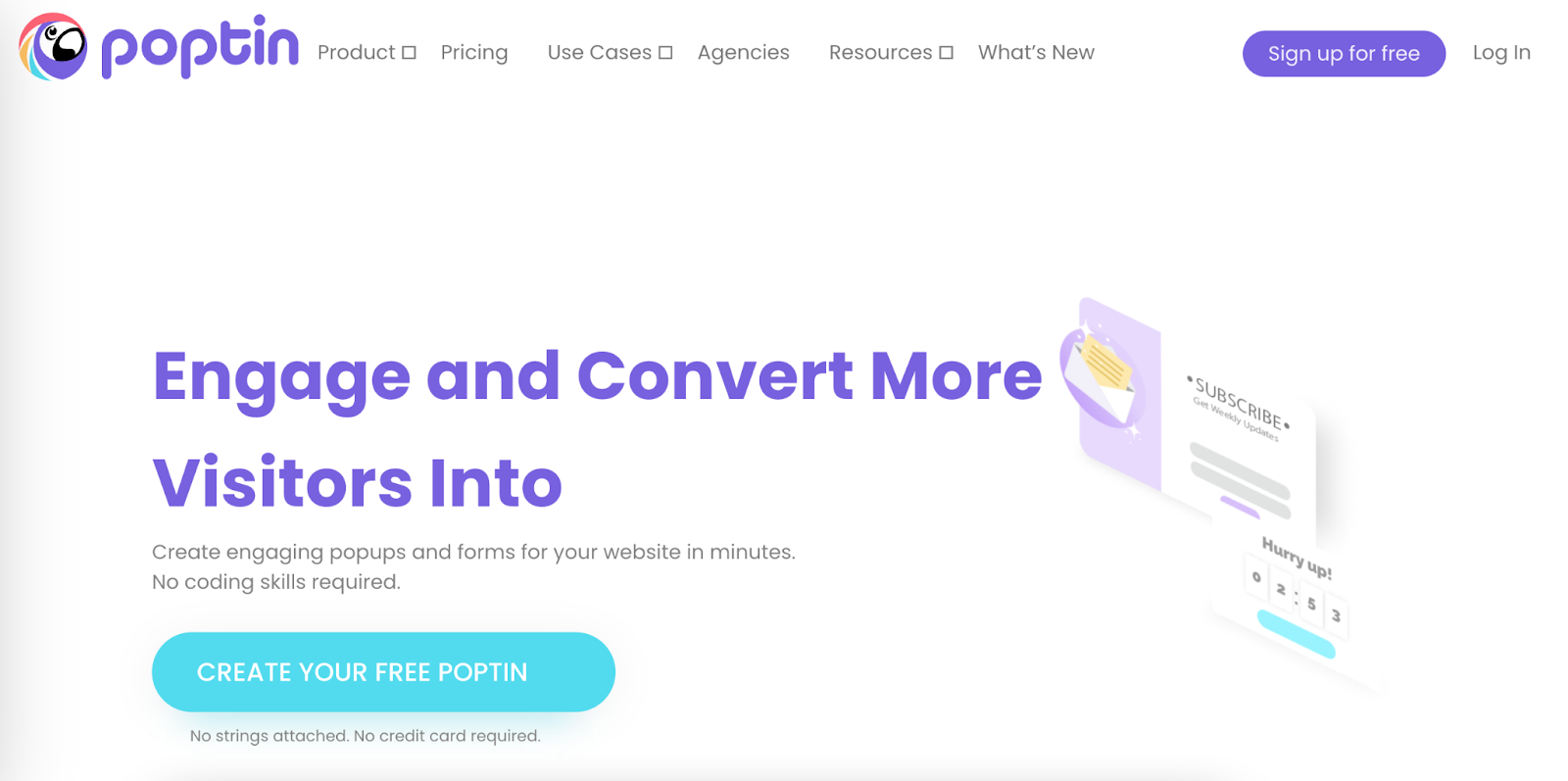
9) Poptin - Comprehensive Popup and Form Builder
Best for: Small businesses and agencies that need popups, forms, and integrations.
Ratings and review counts change; check the vendor’s current app or review listing before choosing a plan.
Poptin provides a user-friendly drag-and-drop editor for creating smart popups and embedded forms. The platform is particularly strong for agencies and small businesses needing extensive integration options.
Key Features:
- Extensive Popup Variety – Lightbox, floating bars, full-screen overlays, slide-ins, gamified popups, and countdown timers
- Advanced Targeting Options – Exit intent, time delay, scroll triggers, traffic source, geography, and returning visitor segmentation
- Massive Integration Ecosystem – 50+ native integrations plus 1,500+ via Zapier and Integromat for maximum flexibility
- Built-in Autoresponders – Automatically send welcome emails, thank-you messages, or download links to new subscribers
- Agency-Friendly Features – Account and user management tools suitable for managing multiple client campaigns
Considerations before going with Poptin:
The free plan has 1,000 monthly visitors on one domain and includes branding. Paid plans raise traffic and domain allowances. Confirm testing, account management, support, and the specific integration before selecting a tier.
Poptin Pricing: Free Tier or $25/month Basic ($20/month Billed Annually)
Poptin provides popup, form, integration, and account-management workflows; compare those with the campaign you intend to run.
| Plan | Price (Annual) | Features |
|---|---|---|
| Free | $0 / month | 1,000 visitors/month on 1 domain; unlimited popups; all popup types; drag-and-drop editor; basic targeting; chat and email support; Poptin branding visible. |
| Basic | $20 / month ($25 billed monthly) | 10,000 visitors/month on 1 domain; unbranded; unlimited popups; shareable popup links; third-party conversion codes; chat and email support. |
| Pro | $47 / month ($59 billed monthly) | 50,000 visitors/month on 4 domains; unbranded; advanced targeting; JavaScript triggers; shareable popup links; chat and email support. |
| Agency | $95 / month ($119 billed monthly) | 150,000+ visitors/month (scales to 2,000,000+) on unlimited domains; everything in Pro plus account and user management and premium support. |
Review Poptin’s current pricing.
Pros and Cons
Pros: Free starting tier, varied formats, integrations, and agency options.
Cons: Traffic and domain caps vary; confirm testing and support on your selected tier.
Read more: Poptin Alternatives (Ranked)

See how Alia compares to Poptin.
10) Shopify Forms and Theme Popups — Native Starting Options
Best for: New Shopify stores that need simple free forms and desktop exit behavior.
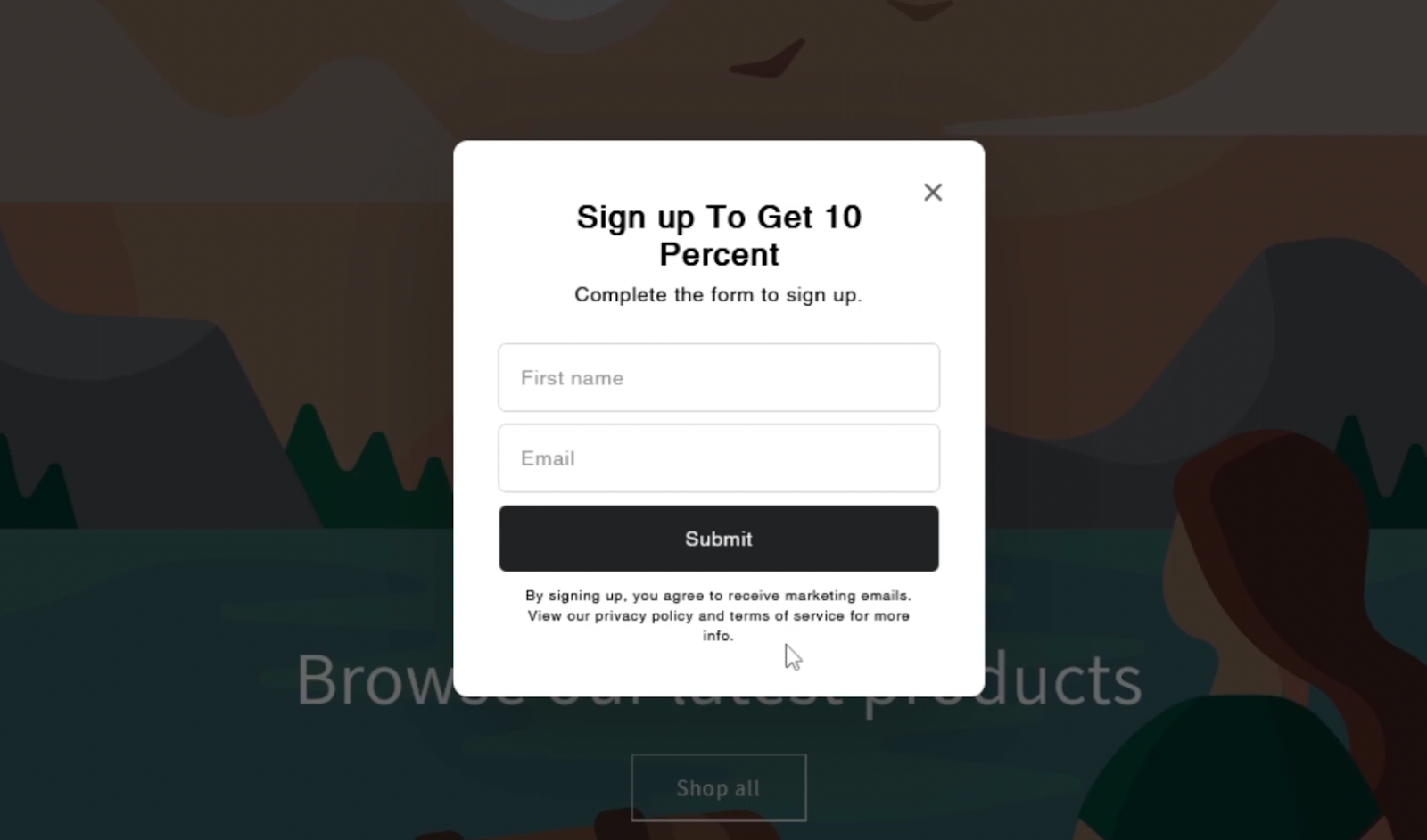
Shopify Forms is free to install and supports popup or inline forms, email/SMS capture, custom fields, and customer tagging. A newsletter modal built into a theme is a separate, theme-dependent feature. Forms requires its app embed; neither route should be assumed to add no page weight.
The Shopify Forms popup settings include desktop exit intent, device selection, page rules, and delays. Its exit checkbox is desktop-only, so it is not equivalent to mobile exit prediction.
Key Features:
- Shopify Forms is free to install and use.
- Popup and inline forms, with an enabled app embed.
- Email and SMS collection with channel-specific settings.
- Custom fields and customer tagging.
- Desktop exit behavior and device/page timing rules.
Considerations before going with Shopify Native Popups:
Forms does not support multistep forms or conditional logic according to Shopify’s documentation. That is a more accurate limitation than saying it cannot collect SMS, custom data, or detect any desktop exit.
Compare current analytics, integrations, testing, and targeting with the program you need. Theme newsletter features vary and should not be treated as identical to Shopify Forms.
Pros and Cons
Pros: Free Shopify app with form, custom-field, and desktop-exit options.
Cons: No native multistep or conditional Forms logic; desktop exit behavior does not translate to phones.
Popups are included with all Shopify plans
Fishwife reports 5× total email/SMS opt-ins and nearly 200% welcome-flow revenue growth in its Alia program. Book a demo to compare the workflow for your store.
Why Do Exit Popups Fail?
Common problems are an accidental trigger, an irrelevant offer, excessive repetition, and a form that is hard to use. A prettier template alone may not solve them. Check each stage in the customer journey before deciding which tool or setting needs to change.
Common Problems to Avoid:
- Bad Timing: Many tools miss the exit or pop up too early, especially on phones.
- Ugly Designs: Basic templates that don’t match your brand can look like spam.
- Poor Mobile View: If the popup is hard to close or looks broken on a phone, visitors will just leave faster.
- Generic Messaging: Showing the same "10% off" to everyone instead of targeting specific interests.
- Lack of Connection: The tool doesn't "talk" to your email or shipping apps, creating extra manual work.
How Do You Choose the Right Exit Popup Software?
Compare trigger behavior by device, audience and cart rules, testing approvals, integration, and revenue measurement. Ask whether the chosen plan actually includes exit intent and Shopify support. Use the Shopify selection checklist for a structured comparison.
Use this comparison table to decide:
| Factor | What to look for | Why it matters |
|---|---|---|
| Detection | Desktop qualification and honest mobile limitations | Reduce false triggers and missed sessions |
| Integration | Verified app or embed and data mapping | Keep discounts, profiles, and consent correct |
| Customization | Responsive, accessible layouts | Match the brand without obscuring content |
| Targeting | Page, source, audience, and cart context | Make the offer relevant |
| Testing | Clear control, approvals, and reporting | Know what changed and who owns it |
| Mobile UX | Compact form and obvious dismissal | Preserve content access; no coverage percentage guarantees SEO |
| Revenue | Attribution window and incremental test method | Avoid treating opt-in rate as profit |
Exit Popup Best Practices for Maximum Conversions
Implementing the software is step one. Configuring it correctly is where the money is made. Our exit intent popup setup guide walks through each step on Shopify.
1. When Should an Exit Popup Trigger on Desktop and Mobile?
On desktop, qualify an upward cursor movement with relevant engagement and a cooldown. Treat any fixed delay as a test condition. On phones, compare earlier engagement triggers instead of relying on an event that may arrive after navigation. Smart Triggering supports behavioral re-engagement.
- Desktop: test the actual sensitivity and accidental mouse movements.
- Mobile: Phones have no cursor, so desktop mouse-out detection does not apply. Scroll changes and inactivity can inform a mobile trigger, but they also occur during normal browsing. Back navigation and tab visibility changes may be observed only after the visitor has left; they cannot reliably display a visible popup before departure. Keep navigation working normally and test engagement-based triggers earlier in the session.
- Frequency: do not repeat a dismissed request on every page or exit.
2. Design and Copy Optimization
- Headline: Focus on the benefit, not the action.
- Bad: "Sign up for our newsletter."
- Good: "Unlock 15% Off Your First Order."
- Visuals: Use high-quality product imagery. MiHIGH replaced generic popups with educational imagery about their infrared blankets and saw a 3x increase in opt-in rates.
- Button: Make it 44x44 pixels minimum on mobile. Use high-contrast colors.
Read popup copy examples and exit intent popup designs for patterns to test.
3. Offer Strategy
Match the offer to intent and margin. A cart visitor may need shipping information, a new shopper a welcome offer, and a content reader a useful guide. Advanced Targeting can define different experiences for those contexts.
| Context | Offer hypothesis | Check |
|---|---|---|
| E-commerce cart | Shipping clarity, help, or sustainable reward | Make terms and thresholds truthful |
| Product browsing | Relevant guidance or welcome incentive | Test downstream purchase quality |
| Content | Useful guide or update | Match the page and permission requested |
How Are E-Commerce Brands Using Popup Programs?
The examples below illustrate educational flows, preference collection, and behavioral context. Their results describe wider programs rather than the isolated effect of an exit trigger.
1. The "Progressive Value" Framework
Firebelly Tea used optional lessons in one program and a mystery-discount experience in another. Firebelly Tea’s mystery-discount case study reports 2.2× more signups and more than $13K in incremental revenue. A separate educational-flow case study reports 79% month-over-month sales growth and 650 survey responses; the two studies measure different programs and periods.
- Match the explanation to a real product question.
- Keep the reward and participation terms clear.
- Measure the complete flow rather than assuming sunk cost causes a purchase.
2. Zero-Party Data Collection
Stop guessing what your customers want. Ask them. Essence Vault used their exit popup to ask one simple question: "Who are you buying for? Him or Her?"
- Essence Vault reports 290,000 zero-party data submissions alongside its larger capture program.
- Save useful declared preferences for relevant follow-up.
- Do not assume preference collection by itself guarantees higher opens or revenue.
3. Behavioral Trigger Stacking
Combine signals for hyper-relevance.
| Behavior | Offer hypothesis | Example |
|---|---|---|
| Items in cart + engaged desktop exit | Shipping or cart help | Need help with delivery or your order? |
| Article engagement | Relevant content update | Would you like more guides on this topic? |
| Repeat browsing without purchase | Product support | Can we help you choose? |
How Do You Measure Exit Popup Success?
Measure valid signups, later purchases, net revenue per exposure, and the customer experience. Use a defined attribution window and deduplicate other marketing reports. ZQuiet’s 19% email signup rate and $120K over 30 days describe a full campaign; they are not recovery benchmarks for every store.
| Metric | Definition | Check |
|---|---|---|
| Opt-in rate | Consented signups / stated exposure denominator | Split email and SMS |
| Purchase after signup | Subscribers purchasing / subscriber cohort | State the time window |
| Revenue per view | Net attributed revenue / measured views | Avoid double counting |
| List growth | Net valid additions over a period | Include unsubscribes |
| Incremental impact | Difference from a suitable control or holdout | Do not equate attribution with causation |
ZQuiet’s case study reports 32% of signups purchasing within 30 minutes. Keep this distinct from opt-in rate and specify the cohort and window when reporting a purchase metric.
Common Exit Popup Mistakes to Avoid
Ask for only the information needed, keep email and SMS permission separate, and make the close control obvious. Google recommends keeping the main content accessible and using banners that occupy a small fraction of the screen instead of full-page promotional interstitials. A delay, scroll trigger, exit trigger, or particular height percentage does not guarantee acceptable search performance. Legally mandatory notices have separate treatment. Read Google’s guidance.
| Mistake | Potential issue | Fix |
|---|---|---|
| Too early | Interruption before useful context | Test engagement qualification |
| Generic offer | Poor relevance | Match page, source, and audience |
| Obstructive mobile form | Content access and usability | Use a compact, easy-to-close layout |
| Too many fields | More effort and unclear permission | Separate focused steps and optional consent |
| Repeated signup request | Frustration for known subscribers | Use suppression where identification works and a conservative cap |
The Verdict: Which Exit Popup Software Should You Choose? (Our Top 3 Picks)
- Alia: continued optimization with a reviewed test plan and optional managed support.
- Shopify Forms: a free route for simple forms with a desktop exit option.
- Wunderkind: evaluate a managed enterprise proposal if its broader scope is useful.
Choose the workflow and economics that match your team, then test it on your own traffic. A vendor’s headline performance claim does not establish the lift for your store.
Compare Alia’s plans or book a demo to explore your store’s setup.
Exit Popup FAQs
How does exit popup software detect a visitor leaving?
Desktop scripts commonly watch for upward cursor movement near the viewport boundary, then apply qualification and cooldown rules. It remains an inference, not proof. Mobile lacks the cursor signal. Alia’s Smart Triggering supports behavior-based re-engagement rather than relying only on a fixed mouse-out condition.
Do exit popups work on mobile?
Phones have no cursor, so desktop mouse-out detection does not apply. Scroll changes and inactivity can inform a mobile trigger, but they also occur during normal browsing. Back navigation and tab visibility changes may be observed only after the visitor has left; they cannot reliably display a visible popup before departure. Keep navigation working normally and test engagement-based triggers earlier in the session.
Do exit popups hurt SEO?
Google recommends keeping the main content accessible and using banners that occupy a small fraction of the screen instead of full-page promotional interstitials. A delay, scroll trigger, exit trigger, or particular height percentage does not guarantee acceptable search performance. Legally mandatory notices have separate treatment. Read Google’s guidance.
What makes Alia useful for exit campaigns?
Alia combines Smart Triggering, a reviewed Smart Testing plan, Prism AI, Advanced Targeting, and optional managed support. Evaluate the actual workflow, mobile experience, reporting, and margin rather than expecting a universal lift. See plans.
How can exit popups reduce cart abandonment?
They can answer a relevant cart question or show a sustainable incentive while the shopper is still present. Preserve normal checkout and navigation, and test completed purchases and margin against a control. Compare cart-abandonment tools.
How does popup re-triggering work after dismissal?
It determines whether to show another prompt after a visitor closes the first. Use a meaningful new engagement signal, a cooldown, and a conservative frequency cap. Alia’s Smart Triggering supports re-engagement, but it does not remove the need to review the campaign and repeated offers.
What is the best exit popup software?
Choose according to device behavior, feature tier, testing workflow, integrations, reporting, service, and price. Alia is an option for continued optimization; Shopify Forms can provide basic desktop exit capture at no app charge, and other tools cover different workflows. Compare the current plan rather than the lowest advertised price.