

Page design is only half the equation. The other half is what happens the millisecond a visitor lands on your site. If your storefront is beautiful but your opt-in rates are stagnant, you have a "conversion gap"—and it’s costing you 97% of your potential revenue.
To scale in 2026, you need a stack that does more than just display products. You need tools that capture intent.
We reviewed the 14 best Shopify page builders and optimization tools, highlighting how to pair elite design with an AI-driven conversion layer that turns "window shoppers" into high-LTV customers.
TL;DR — The Best Shopify Page Builders at a Glance
Shopify Theme Editor vs. Page Builder Apps: Do You Actually Need One?
Before diving into specific tools, ask: does your store actually need a third-party builder?
The Native Editor
Shopify’s Online Store 2.0 handles standard layouts well. If you have a simple catalog and just need to rearrange sections or tweak colors, the built-in editor is often sufficient.
When to Upgrade
You’ll hit the native editor's ceiling if you require:
- Custom Landing Pages: Bespoke designs for ads or product launches.
- Advanced Layouts: Video sections, comparison tables, or multi-column buy boxes.
- Conversion Features: Countdown timers, trust badges, or A/B testing.
- Speed: Creating frequent campaign pages without a developer.
The Conversion Gap
Page builders solve design constraints, but layout alone doesn't guarantee sales. Tools like Alia Popups complement any builder by capturing visitors at the peak of their intent—ensuring your custom design actually converts.
For a deeper look at how the right popup timing and triggers influence that moment, it's worth understanding the behavioral layer underneath.
1. Alia Popups — Best AI-Powered Popup App for Shopify
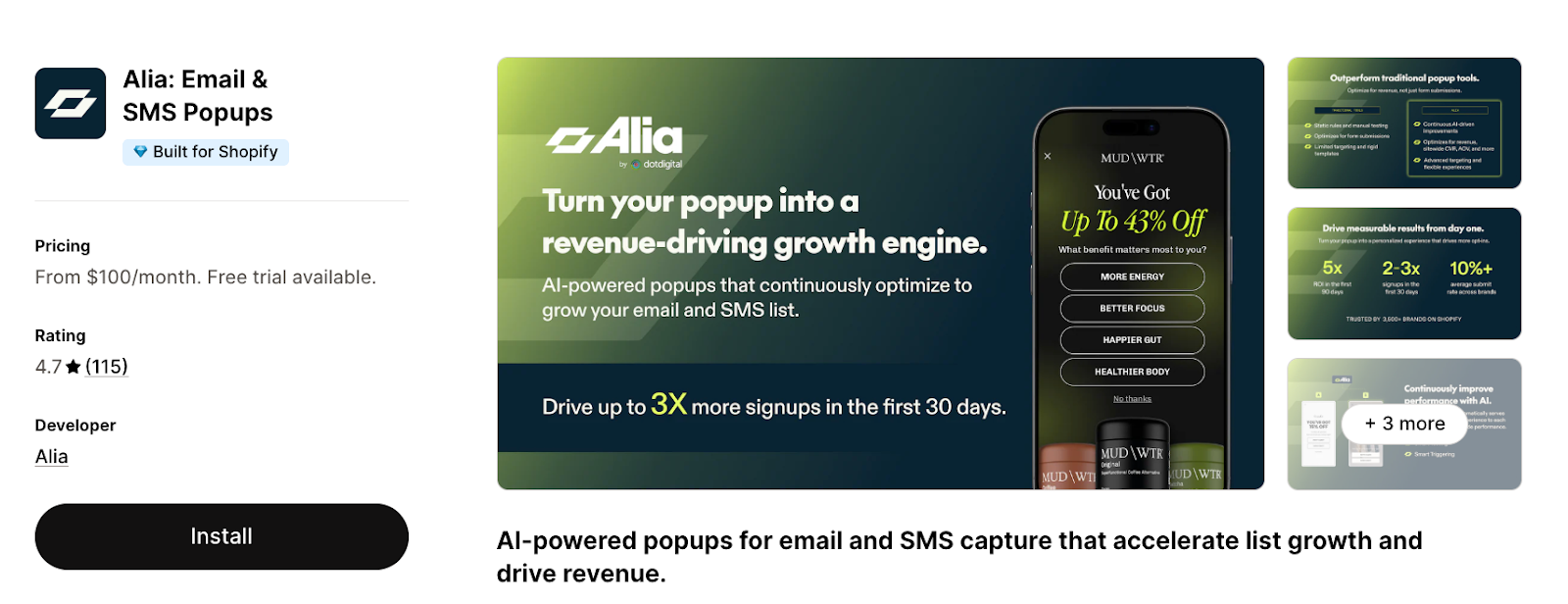
Rating: 4.7/5 (100+ reviews)
While page builders improve your "stage," Alia Popups improves your conversion engine. Built exclusively for Shopify, Alia is an AI-native tool designed to turn anonymous visitors into known contacts—targeting the 95% of traffic that usually leaves without entering your funnel.
Best for: Shopify brands that want an AI system working 24/7 to optimize signups, not just a static form or basic popup overlay.
Key Features:
Most builders offer static forms; Alia provides a fully autonomous system trained on over half a billion popup views.
- Smart Testing: The AI automatically generates, tests, and picks winning variants without manual design work.
- Smart Triggering: Analyzes real-time behavior to display popups at the exact moment a visitor is most likely to convert, typically increasing signups by 10%–30%.
- Revenue-Focused Analytics: Alia's algorithm balances opt-in rate with purchase rates, AOV, and site conversion rates so your popups drive actual revenue.
- Advanced Targeting & Segmentation: Run different popups for different pages, geographies, traffic sources, UTMs, returning vs. new visitors, and more — without writing a single line of code.
- Zero-Party Data Collection: Gather customer preferences through mini-quizzes, multiple choice, and free text responses, then pass everything to your ESP (Klaviyo, Omnisend, Attentive, Postscript, and more) for advanced segmentation.
- Advanced Suppression: Uses multi-method detection to ensure existing subscribers never see a redundant popup.
Considerations
- Built exclusively for Shopify and does not integrate with any other ecommerce platform.
- It doesn't replace your page builder, but rather, it's a conversion layer that sits on top of your pages. You'll still need a separate tool (or the Shopify Theme Editor) for page design.
Pricing
Alia uses flat monthly pricing with no auto-upgrades. Cancel anytime. Price starts from $100/mo for 20K visitors to $400/mo for 300k visitors.
See the full breakdown on the Alia pricing page.
2. PageFly — Best Overall Shopify Page Builder
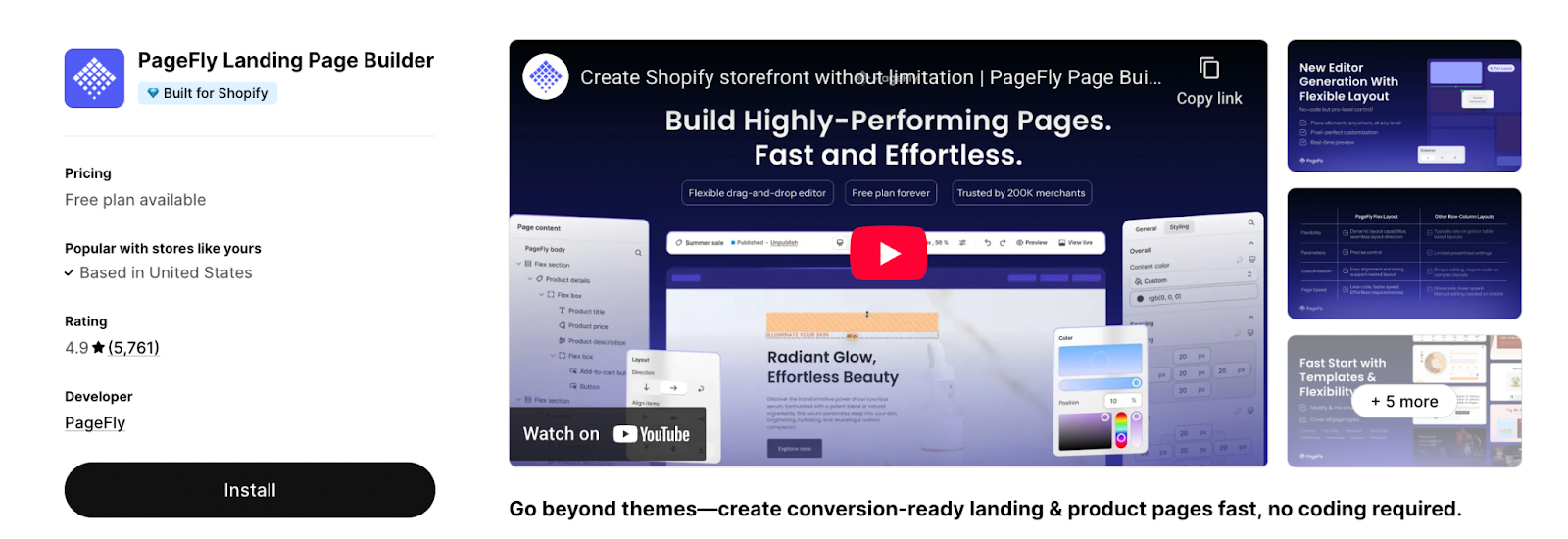
Rating: 4.9/5 (5.7K+ reviews)
PageFly is the most established page builder in the Shopify ecosystem
The platform features a flexible drag-and-drop editor that allows merchants to build landing pages, product pages, and blog posts that go beyond the constraints of standard Shopify themes.
Best for: Shopify merchants who want maximum design flexibility with built-in conversion optimization tools.
Key Features
- Extensive Asset Library: Includes 100+ professional page templates and 100+ premade sections for rapid building.
- Versatile Page Types: Full support for landing pages, product pages, collection pages, homepages, and blog posts.
- Conversion Tools: Built-in sales-boosting elements such as countdown timers, trust badges, and upselling features.
- A/B Testing: Data-driven testing capabilities to identify and implement high-converting page variants.
- Global Compatibility: Supports 130+ app integrations (including Klaviyo, Judge.me, and Loox) and is available in 9 languages.
Considerations
- Pages are built in PageFly's editor, not the native Shopify Theme Editor. This means your team manages two different editing environments.
- Heavy use of complex elements can slow load times. Always test with Google Lighthouse after building.
Pricing
Free plan available; pay as you go plan starting from $18/mo, unlimited plan at $99/mo.
3. GemPages — Best for Conversion-Focused Page Design
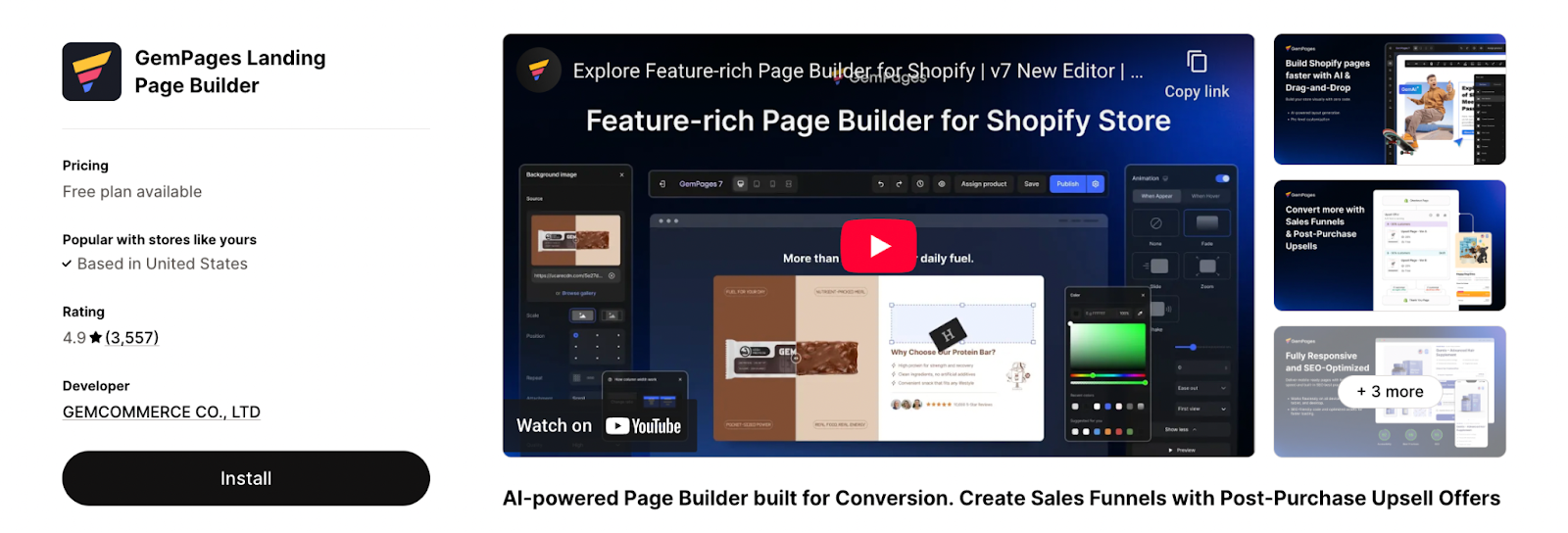
Rating: 4.9/5 (3.5K reviews)
GemPages is a conversion-focused page builder that leverages AI to drastically reduce design time.
Its standout Image-to-Layout AI tool allows merchants to transform images or existing URLs into editable Shopify layouts instantly.
Best for: Growing Shopify stores that want conversion-ready pages with minimal design experience.
Key Features
- AI-Driven Builder: Instantly converts images and URLs into ready-to-edit layouts to streamline store setup.
- 400+ CRO Templates: A vast library of professionally designed templates optimized for speed and conversion across all niches.
- Customizable Sales Funnels: Build complete funnels with specialized features like post-purchase upsell and downsell offers.
- Built-in CRO Toolkits: Includes sales-boosting elements such as countdown timers, stock counters, bundles, and "Before & After" displays.
- 160+ App Integrations: Extensive compatibility with popular apps like Klaviyo, Judge.me, and Instafeed.
- SEO & Mobile Ready: All pages are mobile-responsive, fast-loading, and compatible with the latest Shopify themes (Online Store 2.0).
Considerations
- While the AI is powerful, "Unlimited" AI Image-to-Layout and priority support are reserved for the higher-tier plans.
- Users note that while the drag-and-drop editor is intuitive, mastering device-specific customizations for desktop, tablet, and mobile can be finicky.
Pricing
Free plan for 1 published page, basic elements, and chat support; Pricing starts from $29/mo to $199/mo.
For a broader look at funnel strategy, see 7 steps to building a killer website conversion funnel.
4. EComposer — Best Free Plan for Shopify Page Building
Rating: 4.9/5 (3.4K reviews)
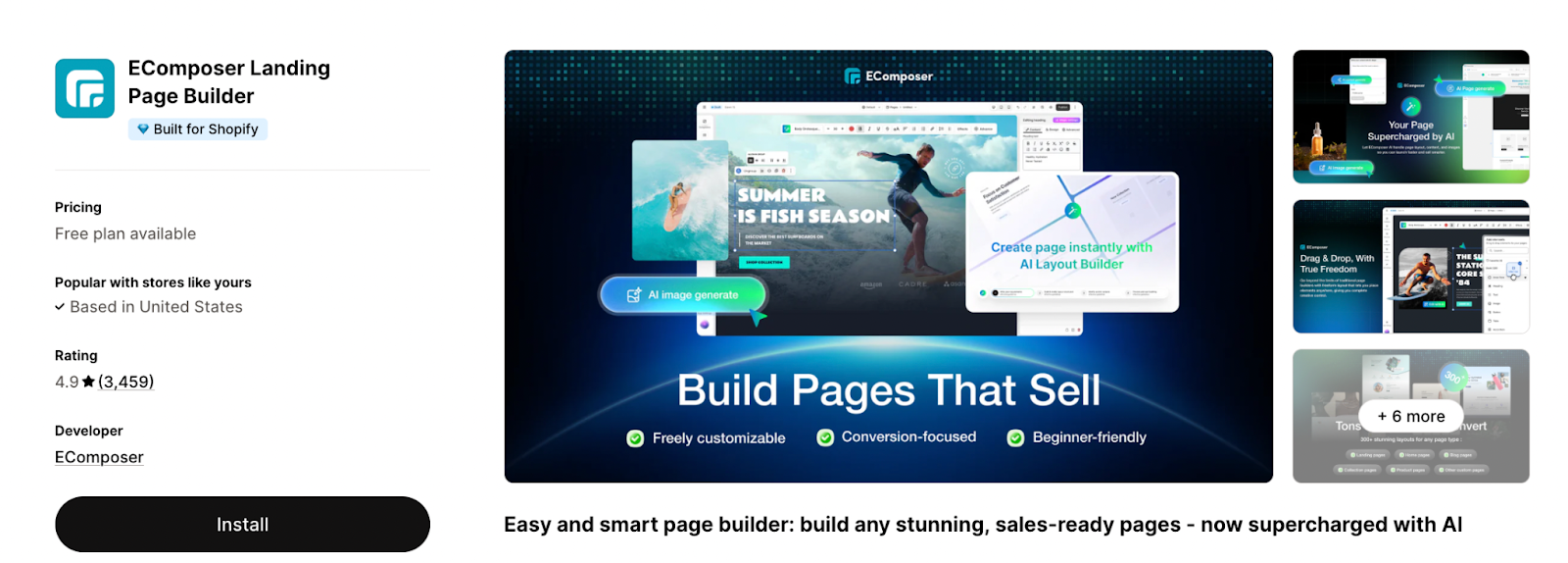
EComposer is a page builder that balances ease of use with a massive library of design assets. It is particularly noted for its performance-focused architecture and built-in extensions that allow merchants to replace multiple individual apps.
With a highly functional free tier and an intuitive "live" drag-and-drop editor, it serves as a powerful alternative for stores of all sizes.
Best for: Stores who want a comprehensive toolset including AI-assisted design, extensive section layouts, and built-in sales extensions without slowing down their site.
Key Features
- Massive Asset Library: Access to 300+ mobile-responsive templates and 1,000+ section layouts across various niches.
- Advanced AI Tools: Includes an AI layout builder, element editor, and content/image generators to streamline page creation.
- Built-in Extensions: Features over 24 CRO extensions (e.g., Product QuickView, Cross-selling, and Inventory counters) to reduce the need for extra apps.
- Performance Optimized: Specifically engineered for site speed with optimized code and full compatibility with all Shopify themes.
- Versatile Page Building: Supports Landing, Home, Product, Collection, Blog, Cart, Footer, 404, and "Coming Soon" pages.
Considerations
- Advanced features such as Global Blocks, Shopify Markets support, and priority help are reserved for the Pro ($39/mo) and Premium ($99/mo) plans.
- While designed for beginners, the sheer number of available elements and customization options may require some time to fully explore.
Pricing
Free plan available (limited pages); Pricing starts from $19/mo to $99/mo.
5. Shogun — Best for Data-Driven Stores & A/B Testing
Rating: 4.8/5 (1.9K reviews)
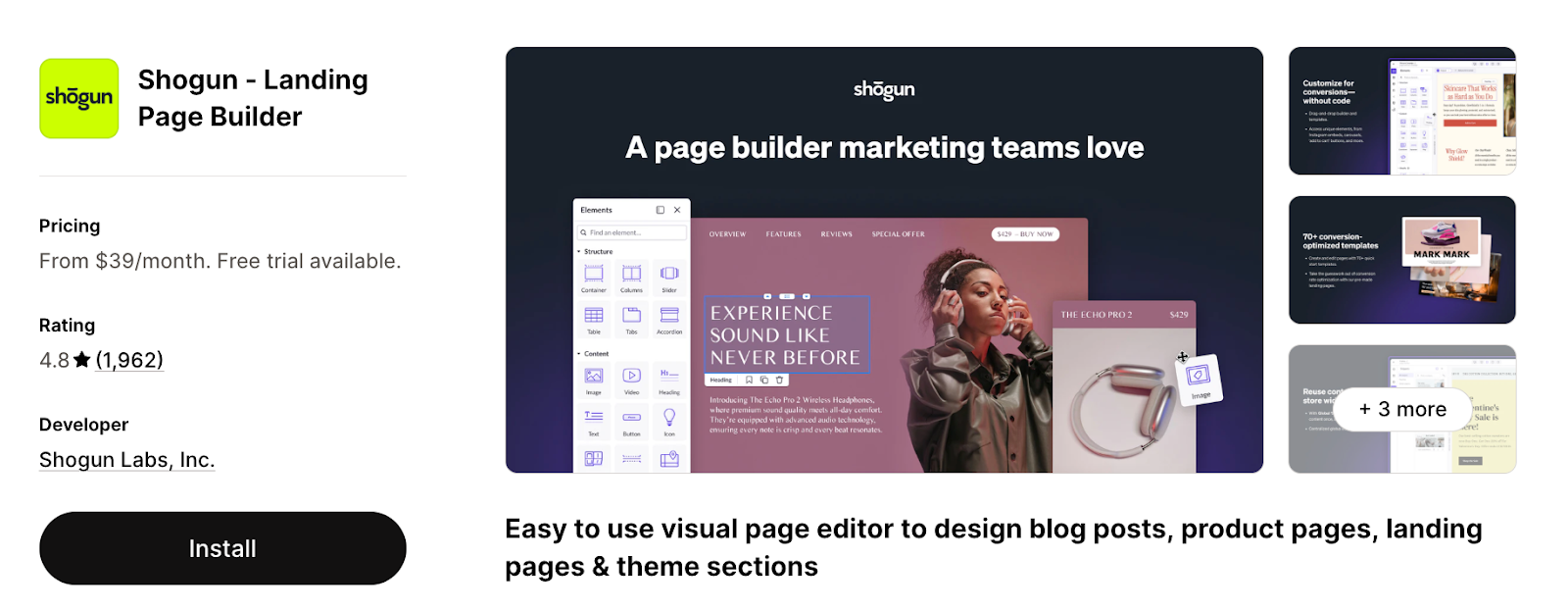
Shogun is a premium, Shopify Plus Certified page builder designed for established brands that prioritize data-backed growth.
Unlike most builders that treat optimization as a secondary plugin, Shogun integrates native A/B testing and performance analytics directly into its editor. This allows merchants to test page variants, track click-through rates, and monitor conversions in real-time to maximize ROI.
Best for: High-volume stores and enterprise teams that need robust experimentation tools and high-fidelity design control.
Key Features
- Integrated A/B Testing: Create and test page variants with automatic winner selection to systematically improve conversion rates.
- AI Page Designer & Copywriter: Use AI prompts to generate full page layouts and professional copy in seconds.
- Performance Insights: Built-in analytics dashboard tracking CTR, conversion rates, and bounce rates across all custom pages.
- 70+ Premium Templates: Access a wide library of mobile-responsive templates for landing pages, product pages, and blogs.
- Global Content Syncing: (Advanced Plan) Sync and manage content across multiple Shopify stores from a single dashboard.
- Developer-Friendly Tools: Create custom elements using CSS, HTML, Javascript, and Shopify Liquid for unique brand requirements.
Considerations
- Shogun is significantly more expensive than entry-level builders
- Analytics and A/B testing are subject to Monthly Tracked User (MTU) limits, which may lead to overage costs for high-traffic stores on lower-tier plans.
Pricing
Plans start at $39/month. A/B testing and advanced analytics are available on higher tiers (up to $499/month).
6. Instant — Best for Design Teams & Figma Integration
Rating: 5/5 (290+ reviews)
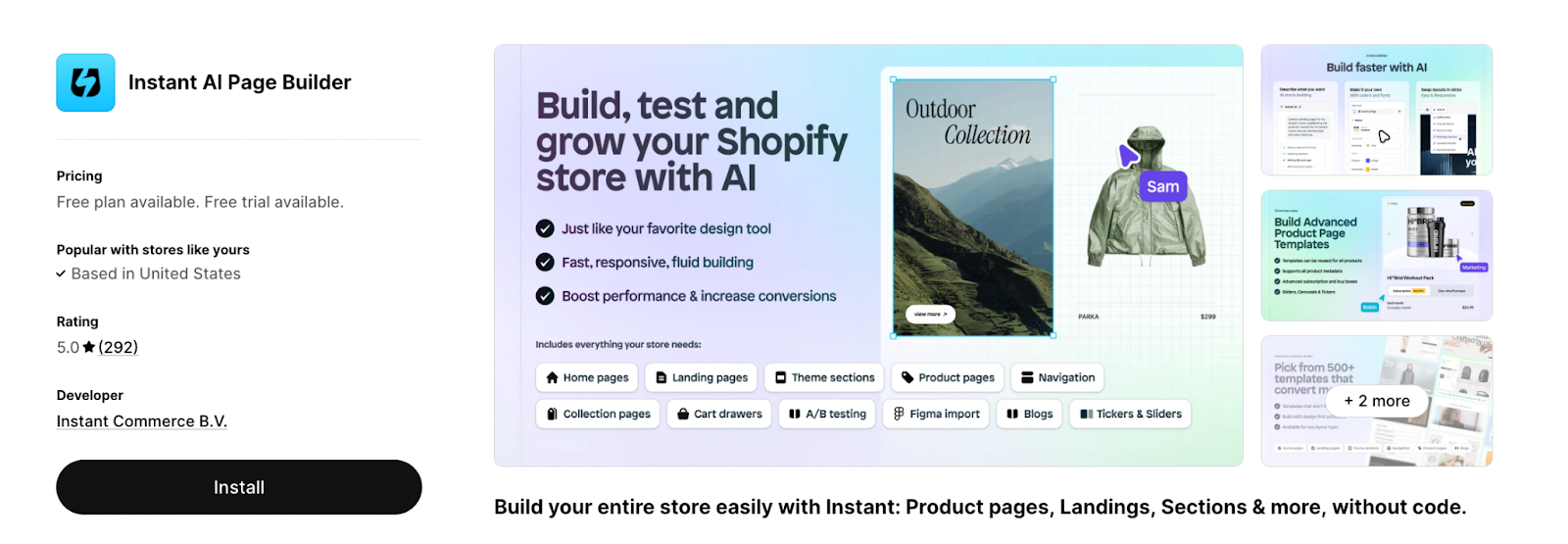
Instant has a unique angle among Shopify page builders: it publishes pages as native Shopify Liquid code rather than JavaScript overlays. This means pages built in Instant remain editable in the standard Shopify Theme Editor after publishing. Its Figma-to-Shopify plugin is a major differentiator for design-heavy teams.
Best for: Design teams that work in Figma and want native Shopify integration without separate editor lock-in.
Key Features
- Figma-to-Shopify Plugin: A standout tool that allows you to copy designs from Figma and paste them directly into Shopify as editable layouts.
- 800+ CRO Templates: An extensive library of modern, high-converting templates for landing pages, product pages, and reusable sections.
- Native Shopify Sections: Publishes content as theme-compatible sections, meaning you aren't "locked in" to the app’s editor for minor future updates.
- Built-in A/B Testing: Run server-side experiments with auto-winner detection to optimize revenue and conversion rates without "flicker."
- Advanced Customization: Features a custom cart drawer builder, support for Shopify Markets, and the ability to add custom Liquid code blocks.
Considerations
- While it offers unlimited page publishing on paid plans, advanced features like A/B testing sessions and the "Liquid code block" are gated behind the Pro ($99/mo) and Business ($249/mo) tiers.
Pricing
Free tier available; paid plans from $39/mo (Starter, with 7-day free trial), $99/mo (Pro), and $249/mo (Business)
7. Replo — Best for Performance Marketing Teams
Rating: 4.7/5 (170+ reviews)
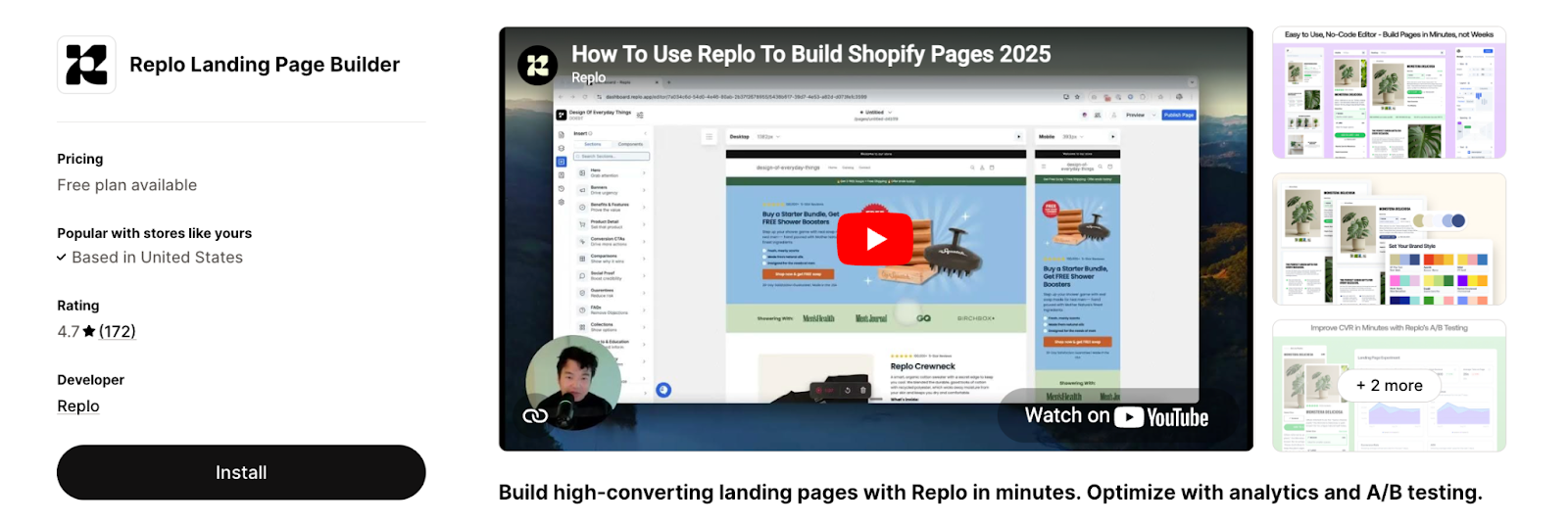
Replo combines a landing page builder, analytics, and A/B testing into a single platform designed specifically for performance marketing. All pages are optimized for speed with image compression and lazy loading, and multi-device editing ensures your landing pages convert across every screen size.
Best for: DTC brands running paid media campaigns that need fast, conversion-optimized landing pages.
Key Features
- Landing page builder with analytics and A/B testing in one platform
- Speed-optimized output with image compression and lazy loading
- Multi-device editing (desktop, mobile, tablet)
- Multi-select for applying design changes across multiple components at once
- Dynamic data integration pulling real-time product info from Shopify
Considerations
- Higher entry price than most builders: Paid plans start at $99/month, which puts Replo in premium territory alongside Shogun.
- Focused on landing pages over full-store design: While it supports various page types, Replo's strength is campaign landing pages — it's less suited for comprehensive storefront redesigns.
- Steeper learning curve for non-marketers: The platform is built for performance marketing workflows, which can feel overly complex for merchants who just want to build a nice product page.
Pricing
Free tier available (previews only); paid plans from $119/mo to $599/mo.
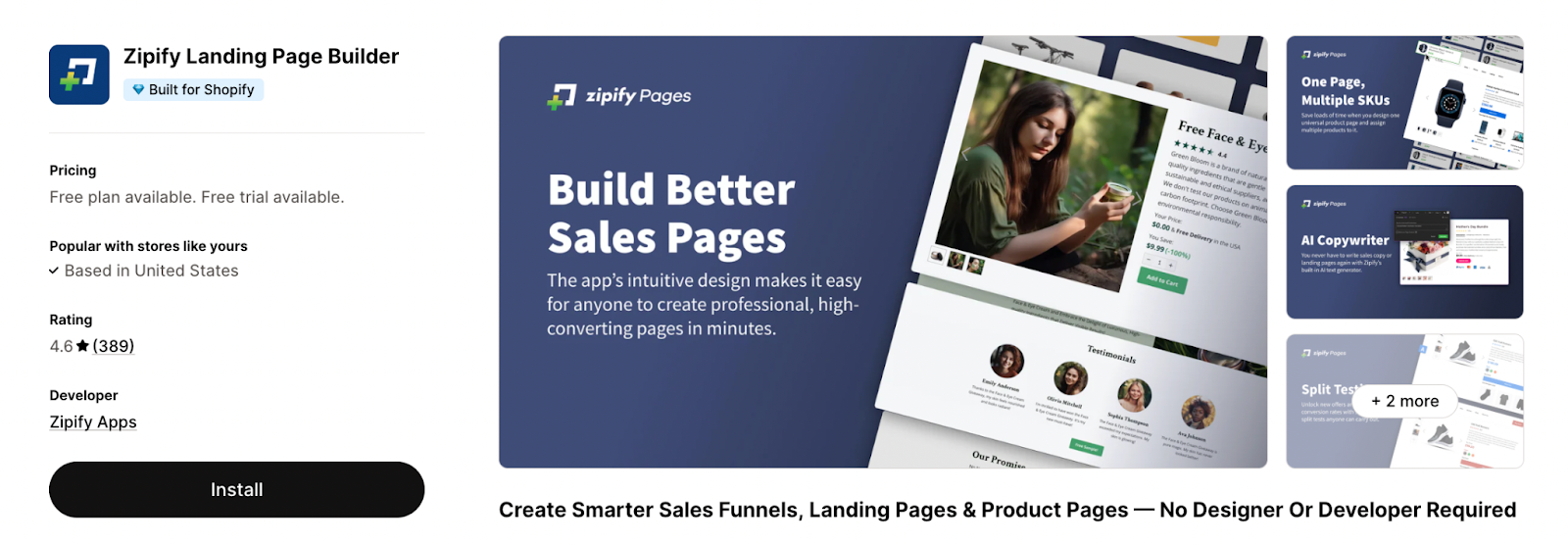
8. Zipify Pages — Best for Proven Ecommerce Funnels
Rating: 4.6/5 (380+ reviews)
Zipify Pages is built by the team behind a 9-figure Shopify store, and its templates reflect that heritage. Every template in the library has been tested and refined through real-world split tests on high-volume ecommerce stores.
The platform also includes unique conversion elements like "buy boxes" (product bundle comparisons) and AI-powered copywriting.
Best for: Established marketing teams and agencies that need to rapidly launch, test, and scale high-converting landing pages with native Shopify functionality.
Key Features
- AI-Powered Builder: Features a sophisticated AI engine capable of generating entire page layouts and conversion-focused sections in minutes.
- 1,000+ Professional Templates: One of the largest libraries in the ecosystem, featuring high-quality templates modeled after top global brands.
- Native Shopify Integration: Pulls real-time product data directly into pages, ensuring prices and inventory are always accurate without manual syncing.
- Integrated Experiments: Built-in A/B testing and analytics (up to 50k monthly sessions on Growth plans) to maximize revenue per visitor.
- Speed & Responsiveness: Automatic image compression and lazy loading are standard, with granular controls for desktop, mobile, and tablet layouts.
- Reusable Design System: Allows teams to save custom sections and components to maintain brand consistency across all campaign pages.
Considerations
- The free tier is strictly for building and previewing; you cannot publish a live page without a paid plan.
- The builder’s interface is powerful but follows a professional design workflow that carries a steeper learning curve for absolute beginners .
Pricing
Free plan for Development and Partner stores only; pricing starts from $19/mo to $99/mo (14-day free trial for paid plans).
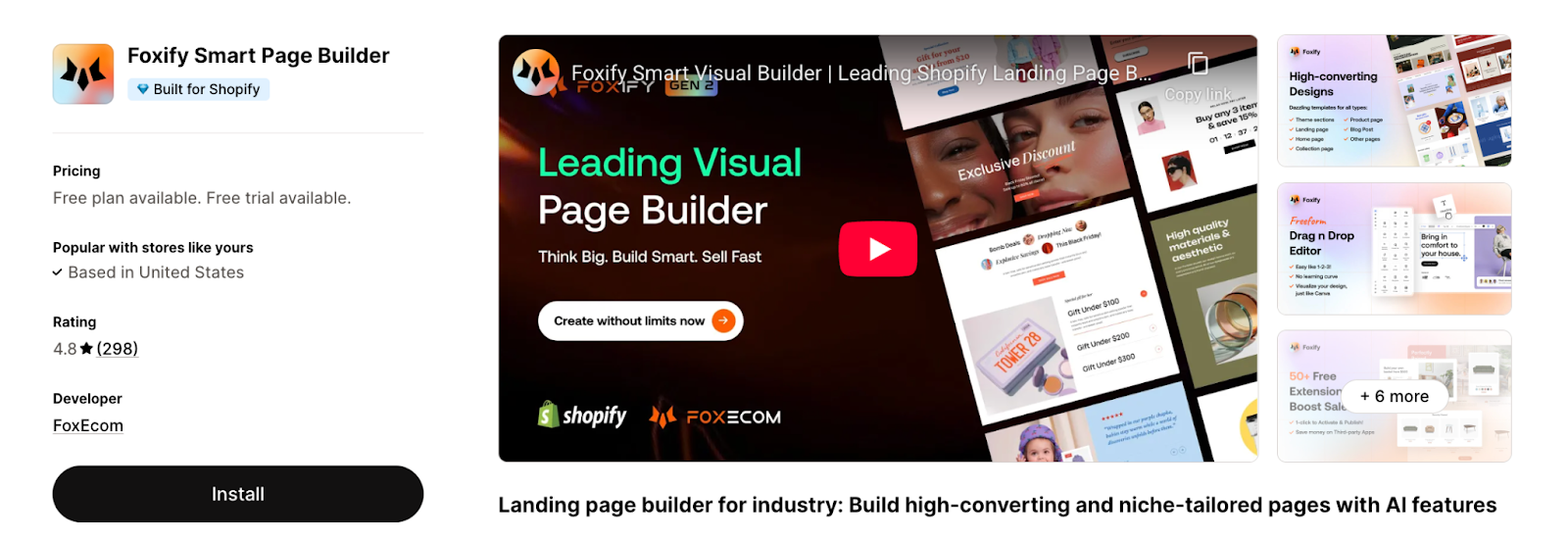
9. Foxify — Best for Creative Freedom & AI Layouts
Rating: 4.8/5 (290+ reviews)
Unlike most page builders that use a grid or row-and-column editor, Foxify uses a canvas-style builder that gives you free-form control over layout and positioning.
Its AI layout generation feature creates entire page designs from your inputs — faster than browsing template libraries when you're building at volume.
Best for: Design-forward stores that want creative freedom beyond grid-based builders.
Key Features
- Free-form Canvas Editor: No grid or column restrictions; move any element to any position for a truly custom layout.
- AI "Fox Magic" Suite: Uses AI to generate full page layouts, write/translate copy, and adapt designs for mobile responsiveness automatically.
- Bundled CRO Extensions: Includes built-in features like Ajax cart, sticky add-to-cart, color swatches, and "Frequently Bought Together" widgets—reducing the need for extra apps.
- Advanced Analytics: Built-in reporting for impressions, conversion rates, and funnel performance to track ROI natively.
- Design Imports: Supports Figma-to-Shopify and HTML-to-Shopify imports, allowing teams to migrate existing assets or professional designs seamlessly.
Considerations
- The total freedom of a canvas editor can be more time-consuming for beginners compared to structured, template-heavy builders.
Pricing
Free plan available (1 published page and 1 published section); Pricing starts from $19/mo to $99/mo.
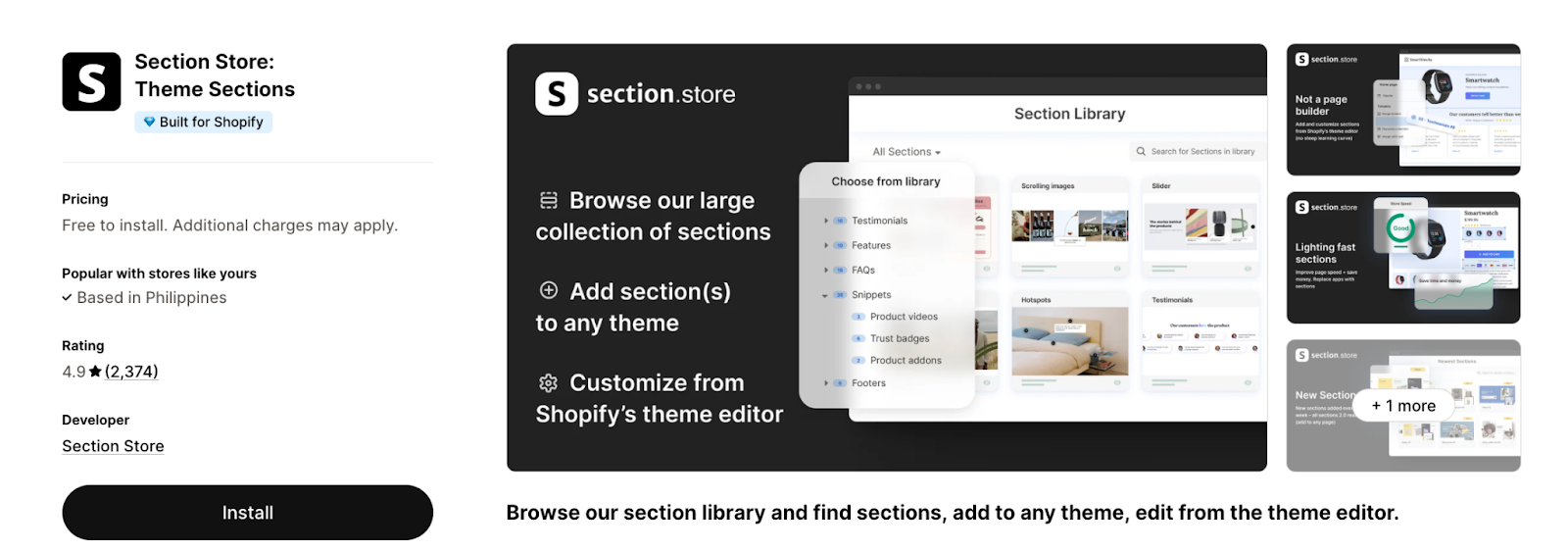
10. Section Store — Best for Native Theme Sections (No Separate Editor)
Rating: 4.9/5 (2.3K reviews)
Section Store offers a unique alternative to traditional page builders by providing a library of individual, plug-and-play sections that integrate directly into your existing Shopify theme.
Instead of using a third-party editor, you simply browse the library, add a section to your store, and customize it using the native Shopify Theme Editor. This approach ensures your site remains lightweight and high-performing while bypassing the learning curve of a full-scale design tool.
Best for: Merchants who want to enhance their existing theme without adopting a full page builder.
Key Features
- Native Theme Integration: Sections are added directly to your theme, meaning they remain functional even if you eventually uninstall the app.
- No Coding Required: Simply select a section and customize it entirely within the familiar Shopify Theme Editor environment.
- Speed Optimized: Designed to be lightweight, these sections help maintain or improve page loading speeds by avoiding the external scripts often used by full page builders.
- 2.0 Ready: All sections are compatible with Shopify Online Store 2.0, allowing them to be added to any page on your store.
- Growing Library: New professional sections are added weekly, providing a constant stream of new design options.
Considerations
- Not a full-page "blank canvas" builder. It is designed to add specific elements to your theme rather than restructuring your entire store layout from scratch.
- While the app is free to install, many sections are available via a one-time purchase model, which can be more cost-effective for simple needs but requires monitoring if adding many different types.
Pricing
Free to install; free sections and one-time charge premium sections available. Optional plan for $10/mo.
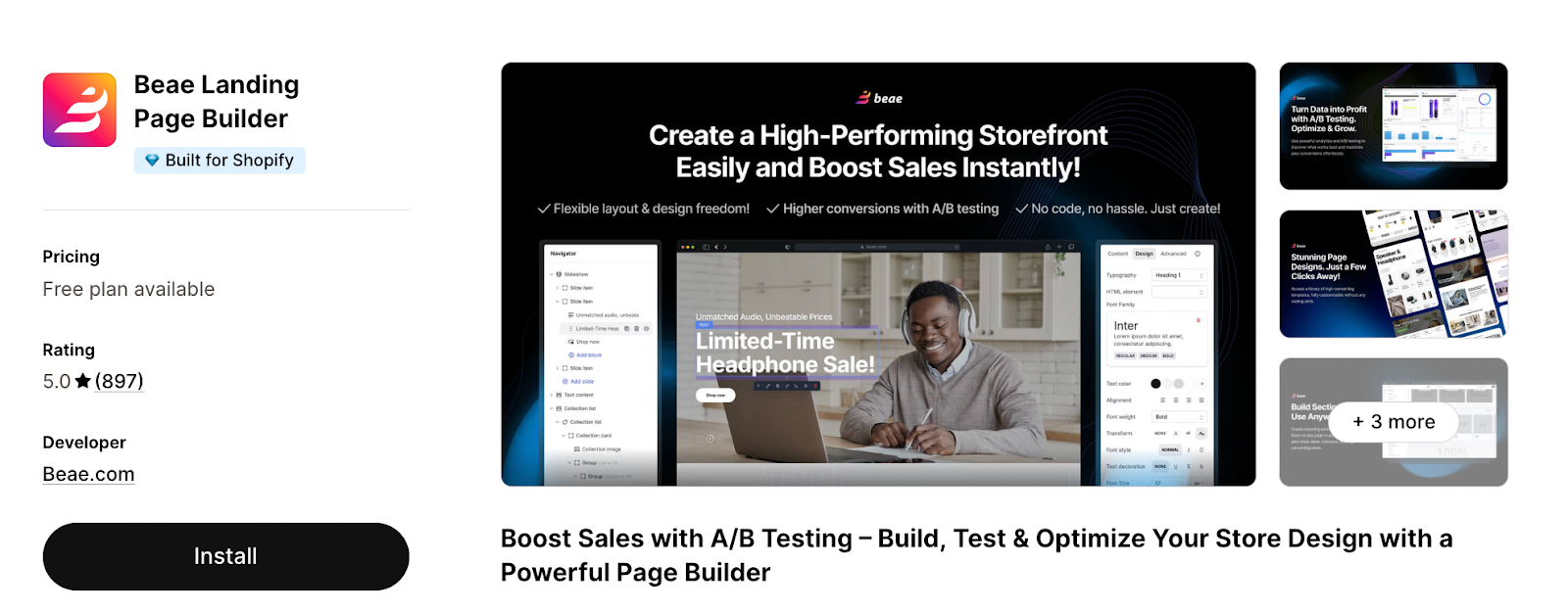
11. Beae — Best for Aesthetic, Modern Templates
Rating: 5/5 (890+ reviews)
Beae offers a visually refined template library with a focus on modern, clean design aesthetics. It's a versatile builder that covers all page types and includes built-in analytics for tracking page performance — a nice middle ground between pure design tools and CRO-focused platforms.
Best for: Visual-heavy brands and growing stores that want a professional, "polished" look combined with rigorous conversion rate optimization (CRO) tools.
Key Features
- All-in-One Page Building: Supports all Shopify page types, including Home, Landing, Product, Collection, FAQ, Blog posts, and Footers.
- Built-in A/B Testing: Run design experiments and track real-time performance to identify the highest-converting layouts.
- CRO-Focused Elements: Access a library of sales-boosting tools such as countdown timers, color swatches, sales banners, and cross-selling widgets.
- SEO & Mobile Optimized: Optimized for speed and responsiveness to ensure a smooth shopping experience across all devices.
- Reusable Sections: Create and save custom sections to ensure consistent branding and effortless design across your entire store.
Considerations
- Free plan is limited to 01 published slot and 10 draft pages.
- While 24/7 live chat and video calls are available for paid users, free users receive lower-priority support.
Pricing
Free plan available. Paid plans from $19.99/month to $149.99/month.
12. LayoutHub — Best Budget-Friendly Option for Beginners
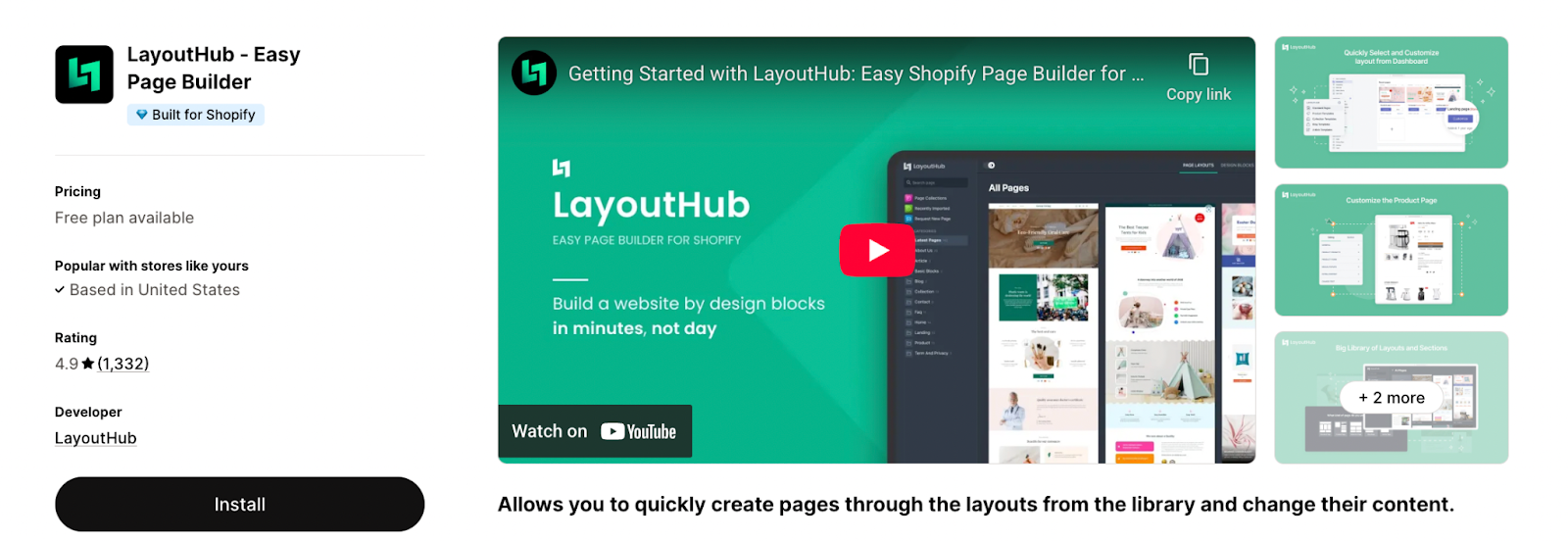
Rating: 4.9/5 (1.3K+ reviews)
LayoutHub is designed for merchants who need to create high-quality pages quickly using a library of professional layouts. Instead of building from scratch, users select and adjust pre-made designs created by seasoned e-commerce professionals.
This approach is specifically tailored for busy store owners who want to improve their conversion rates without a complex setup process.
Best for: New Shopify stores and solo operators who need simple, affordable page building.
Key Features
- Professional Layout Library: A diverse collection of high-quality layouts designed by e-commerce experts to boost conversions.
- Simplified Editor: A powerful, direct, and easy-to-use editor that allows for rapid content adjustments.
- Broad Compatibility: Supports all major page types (Landing, Home, Product, Collection, Blog, FAQ) and integrates with popular apps like Loox, Growave, and Yotpo.
- High Performance: Optimized for speed and outstanding performance across devices.
- Tiered Support: Offers 24/7 live chat on paid plans, with the "Pro" tier including dedicated video call assistance.
Considerations
- While the editor is code-free, the support team is frequently cited in reviews for helping with "tricky coding issues" if you need deeper theme customization.
- Free and Basic plans have specific limits on "published slots" (3 and 10, respectively), which may require an upgrade as your store grows.
Pricing
Free plan available; paid plans from $14.99/mo to $59.99/mo.
13. Tapita — Best for AI-Powered Blog & Content Pages
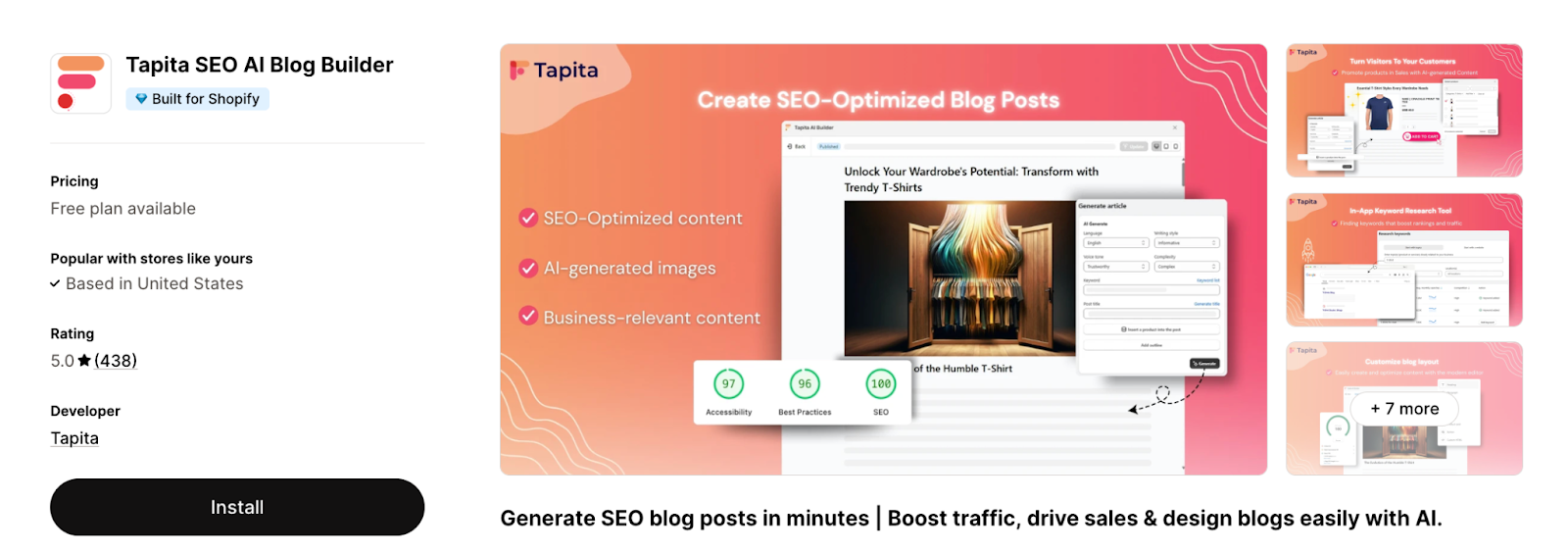
Rating: 5/5 (430+ reviews)
Tapita is an AI-powered page builder that shines for content-heavy stores, especially those investing in blog-driven SEO. Its AI content creation and translation tools make it easy to produce multi-language pages at scale — a strong fit for international Shopify stores.
Best for: Shopify merchants who want to automate their SEO strategy, improve site speed, and get discovered by both traditional and AI search tools.
Key Features
- AI-Powered SEO: Generates meta tags, content, and keyword research using AI to match user search intent.
- One-Click Speed Optimization: Automatically optimizes site speed and fixes broken links to improve the user experience.
- Advanced SEO Schema: Implements smart JSON-LD structured data and bulk image Alt tags to improve Google rankings.
- AI Search Readiness: Optimizes LLMs.txt files to ensure products are discoverable and cited by AI tools like ChatGPT and Claude.
- Full-Stack Audits: Scans and fixes Google SEO errors across the entire store to boost overall visibility.
- Multilingual Support: Offers SEO audits and optimizations for multiple languages to support international growth.
Considerations
- Free and Basic plans have specific caps on image compression and AI meta data generation.
- While the base price is competitive, advanced features and Shopify Plus support require additional monthly fees (up to an extra $60/month for Plus).
Pricing
Free plan available; pricing starts from $9.99/mo to $49.99/mo.
14. AfterShip Page Builder — Best Simple Builder for Small Stores
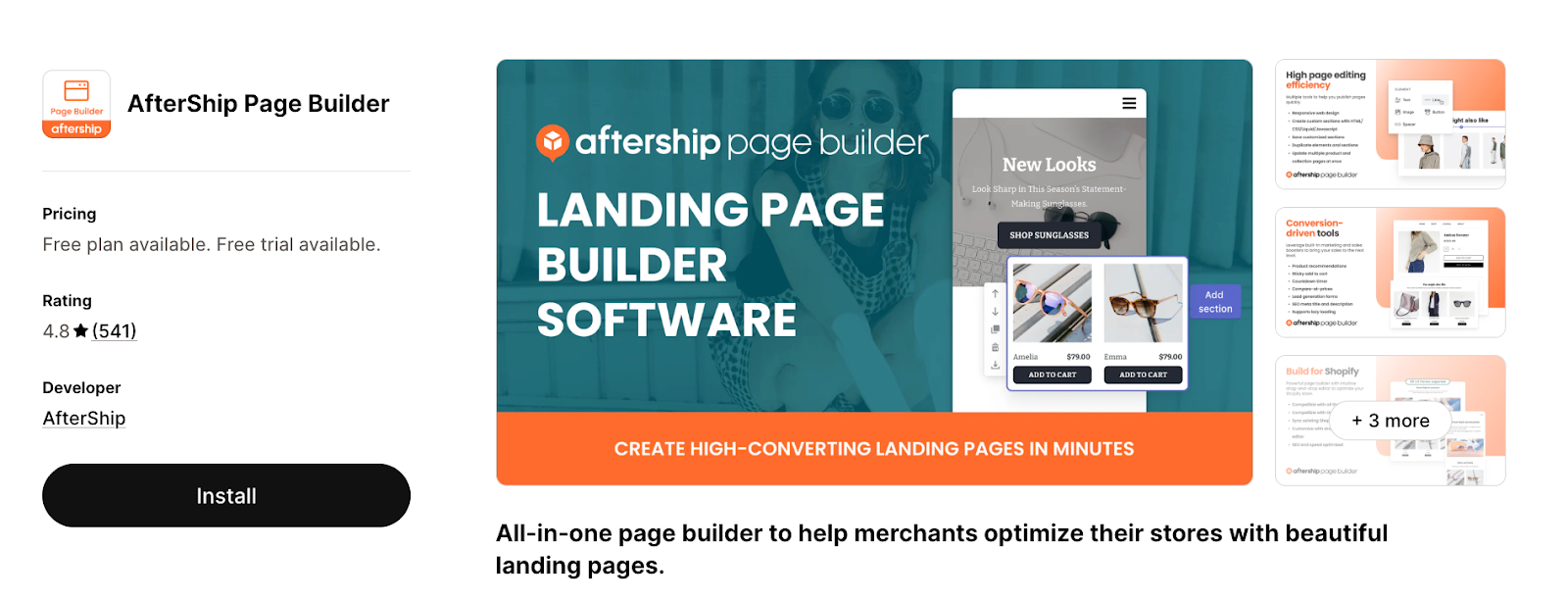
Rating: 4.8/5 (540+ reviews)
AfterShip Page Builder (formerly Automizely) is an all-in-one design tool tailored for merchants who value consistent branding and a streamlined building process. It allows users to create professional-looking eCommerce pages.
It combines a simplified interface with built-in performance tools, it helps stores deliver a premium shopping experience without the complexity of more advanced platforms.
Best for: Small to mid-sized Shopify stores that need an intuitive, no-code solution for creating conversion-driven landing pages quickly.
Key Features
- Template-First Design: Access a library of pre-built, fully customizable templates designed to prioritize conversions and professional aesthetics.
- 30+ Design Elements: Drag and drop more than 30 codeless elements to customize new or existing pages effortlessly.
- Integrated Analytics: A single dashboard provides real-time data on key store metrics, such as visitor counts and add-to-cart rates.
- Performance Focused: Features built-in lazy-loading and SEO settings to improve page speed and search engine visibility.
- Broad Page Support: Build and publish a wide variety of page types, including FAQs, Contact Us, and specific landing pages.
Considerations
- While the app utilizes AI for initial inquiries, live agent support is accessible directly through the in-app chat window.
- Tool focuses on ease of use and speed; users requiring highly advanced features like A/B testing or complex custom logic may eventually require a more enterprise-level builder.
Pricing
Free plan available for 1 published page; pricing starts from $35/mo to $95/mo (7-day free trial available)
How to Choose the Right Shopify Page Builder
With 14 options available, the "best" tool depends on your store’s maturity and team expertise.
By Store Stage
- Starting Out: Use EComposer, PageFly, or LayoutHub. Their generous free plans allow you to launch professional pages without increasing monthly overhead.
- Growing (10K–100K Visitors): Prioritize data with GemPages or Shogun. At this stage, pairing your builder with Alia Popups delivers the highest ROI by compounding your lead capture as traffic scales. Here are 6 proven ways to grow your ecommerce email list while you're scaling
- Scaling (100K+ Visitors): Use high-performance builders like Replo or Instant. Pair them with Alia’s managed A/B testing to ensure every pixel is optimized for maximum revenue.
By Team Persona
- Solo Operators: LayoutHub or AfterShip offer the fastest "zero-to-published" path with no design experience required.
- Marketing Teams: Zipify or GemPages provide the conversion-focused blocks and campaign flexibility marketers need.
- Design-First Teams: Instant (Figma-to-Store) or Foxify (Canvas-style) provide total creative freedom without code.
How Page Builders Impact Store Speed
Page speed is a conversion killer; a one-second delay can slash sales by 7%. Since builders inject custom JavaScript and CSS, they naturally add "weight" to your theme.
- The Speed Leaders: Tools like Section Store and Instant publish as native Shopify Liquid code—meaning they load as fast as your original theme. EComposer also mitigates lag via built-in lazy loading.
- The Testing Protocol: Always benchmark new pages using Google Lighthouse. Focus on Largest Contentful Paint (LCP) and Total Blocking Time (TBT).
- The Popup Factor: Unlike heavy builders, Alia Popups uses a lightweight Shopify embed that loads asynchronously, ensuring your design doesn't block page rendering. For setup details, see how to add pop-ups on Shopify in under 10 minutes.
Free vs. Paid Plans: What’s the Real Difference?
While every builder on this list offers a free tier, the "value gap" between free and paid is significant in 2026.
- When Free is Enough: Best for solo operators needing 1–3 custom pages (like an "About Us" or a single landing page) without the need for data tracking.
- When to Upgrade: Paid plans ($15–$499/mo) unlock A/B testing, advanced analytics, and priority support.
- The ROI Math: High-traffic stores justify these costs through conversion gains. For example, Alia’s AI-powered testing ($200/mo) typically delivers 15%–20% opt-in rates, quickly paying for itself through increased lead capture.
Curious how that math works in practice? See why Alia is 3× more effective than conventional Shopify popups.
Page Builders vs. Conversion Tools: The Power Duo
Design and conversion are two different problems requiring two different solutions.
- Page Builders (The Container): These tools optimize the visual hierarchy, layout, and product placement. They ensure you put your best foot forward.
- Alia (The Conversion): While a builder creates a static environment, Alia responds to real-time visitor behavior. It triggers personalized offers at the exact moment of engagement or exit to capture zero-party data. That exit-intent recovery layer alone can reclaim a significant share of bouncing traffic.
- The Strategy: Use a builder to design the experience and Alia to ensure that experience results in a captured email or sale. Want to see what that looks like in action? Browse Alia's popup templates.
5 Common Mistakes to Avoid
- Template Vanity: Don't choose a builder just for having 400+ templates. Ten conversion-tested layouts are more valuable than hundreds of generic ones.
- Ignoring the "Borders": Always test mobile responsiveness and speed after publishing. A beautiful desktop page that fails on mobile is a lost investment.
- The Lock-in Trap: Most builders use proprietary editors. If you uninstall the app, you may lose your designs. Instant and Section Store are rare exceptions that publish as permanent theme code.
- Paying for Idle Testing: Don't pay $499/mo for page-level A/B testing if you don't have the massive traffic required for statistical significance. Focus on popup-level testing first, which reaches results much faster.
- Design Without Strategy: A stunning page without a lead-capture mechanism is "leaking" money. Every custom page should be paired with an automated conversion tool. If you're running discount codes on sign-up forms, make sure the offer is actually optimized — not just thrown on the page.
The 5-Point Evaluation Checklist
Before hitting "Install," evaluate any builder against these five criteria:
- True Ease of Use: Can your team publish a page in under an hour without a developer? Always test the editor on a free trial first.
- Conversion-First Templates: Look for layouts designed for sales, not just aesthetics. A builder is only as good as its highest-converting template.
- Speed & Code Cleanliness: Does the builder use heavy JavaScript or native Liquid? Section Store and Instant lead the pack for performance-first code.
- Native Analytics: You cannot optimize what you don't measure. If your builder lacks testing, ensure you use a tool like Alia to handle A/B testing at the engagement layer.
- The Ecosystem Fit: Ensure the builder plays nice with your existing stack—especially your review apps, email flows, and conversion tools. If Klaviyo is part of that stack, here's a master overview of Alia's Klaviyo integration.
Final Verdict: Turning Traffic into a Growth Engine
The best Shopify page builder for your store depends on your team, your traffic, and your goals. However, the most successful brands in 2026 recognize a critical truth: designing a better page is only half the battle. Even if a world-class page builder increases your conversion rate by 20%, you are still only converting a tiny fraction of your total traffic.
Alia targets the other 95%+ of traffic and converts them into contacts you can remarket to through email and SMS — the channels that drive 30–50% of revenue for most DTC brands. Need ideas for growing that SMS list specifically? Here are 11 ways to grow your SMS list.
Brands like Nakie saw their signup rate jump from 5% to 35% and attributed $5.8M in sales to Alia-driven flows. Essence Vault collected 360,000 emails in a single month at a 33% signup rate. Portland Leather grew email signups by 123% in 90 days. These aren't page design results — they're conversion engine results.
Ready to see what AI-powered popups can do on top of your page builder?
→ Start your free trial on Shopify | → Book a demo | → Browse success stories
Frequently Asked Questions
Do I need a page builder if I already have a Shopify theme?
Shopify's built-in Theme Editor handles basic customization, but you'll hit limitations when you want custom landing pages for campaigns, non-standard product page layouts, or conversion-focused elements that your theme doesn't support. A page builder removes those constraints.
Can a page builder replace my popup tool?
No. Page builders include basic form or popup elements, but they lack the behavioral intelligence, autonomous testing, and revenue-optimized triggering that a dedicated tool like Alia provides. The best Shopify stores use both — a page builder for the page, and Alia for the conversion.
How do page builders affect site speed?
Some page builders add JavaScript overlays that can slow your store. Tools like Section Store and Instant minimize this by publishing as native Shopify Liquid. For other builders, test your pages with Google Lighthouse and use lazy loading features where available.
Can I use multiple page builders on the same Shopify store?
Technically yes, but it's not recommended. Running multiple page builders increases code bloat, creates conflicting scripts, and complicates your editing workflow. Choose one primary builder for your core pages, and use a lightweight option like Section Store if you need specific additional sections.
Do Shopify page builders work with all Shopify themes?
Most modern page builders are compatible with Shopify Online Store 2.0 themes. Older (vintage) themes may have limited compatibility. Before installing, check the builder's documentation for theme compatibility requirements. Section Store specifically requires a 2.0 theme since it installs sections through the native theme architecture.
Looking for more ways to maximize your Shopify store's performance? Explore these related resources:
- Best Shopify Popup Apps — A side-by-side look at the top popup tools for Shopify
- Best Email Capture Shopify Apps — The go-to list for growing your email list faster
- Best Shopify Marketing Tools — The full marketing toolkit for Shopify brands
- Shopify Store Conversions — Actionable tactics to turn more visitors into buyers